V0817, 1.14
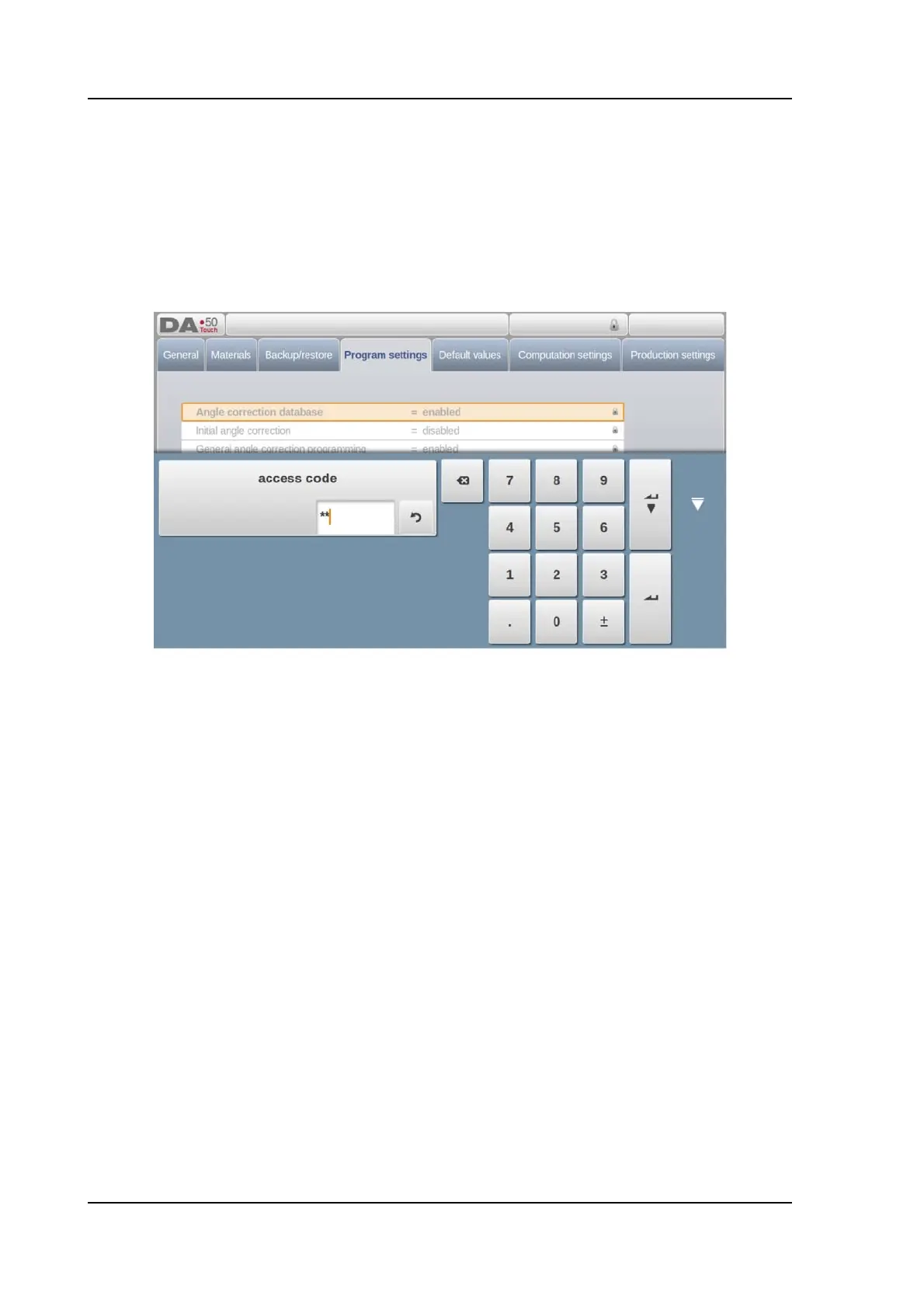
Lock symbols when Program Lock is active will also appear behind parameters to show the
lock is active and modification is not possible.
To unlock the control, tap the lock symbol and enter the appropriate code. After entering, the
lock symbol will show it is unlocked and the lock symbols behind parameters will disappear.
Codes can be changed upon desire. The procedure to manages codes can be found in the
Installation manual.



 To Next Page