V0817, 1.11
1.6.3. Navigation
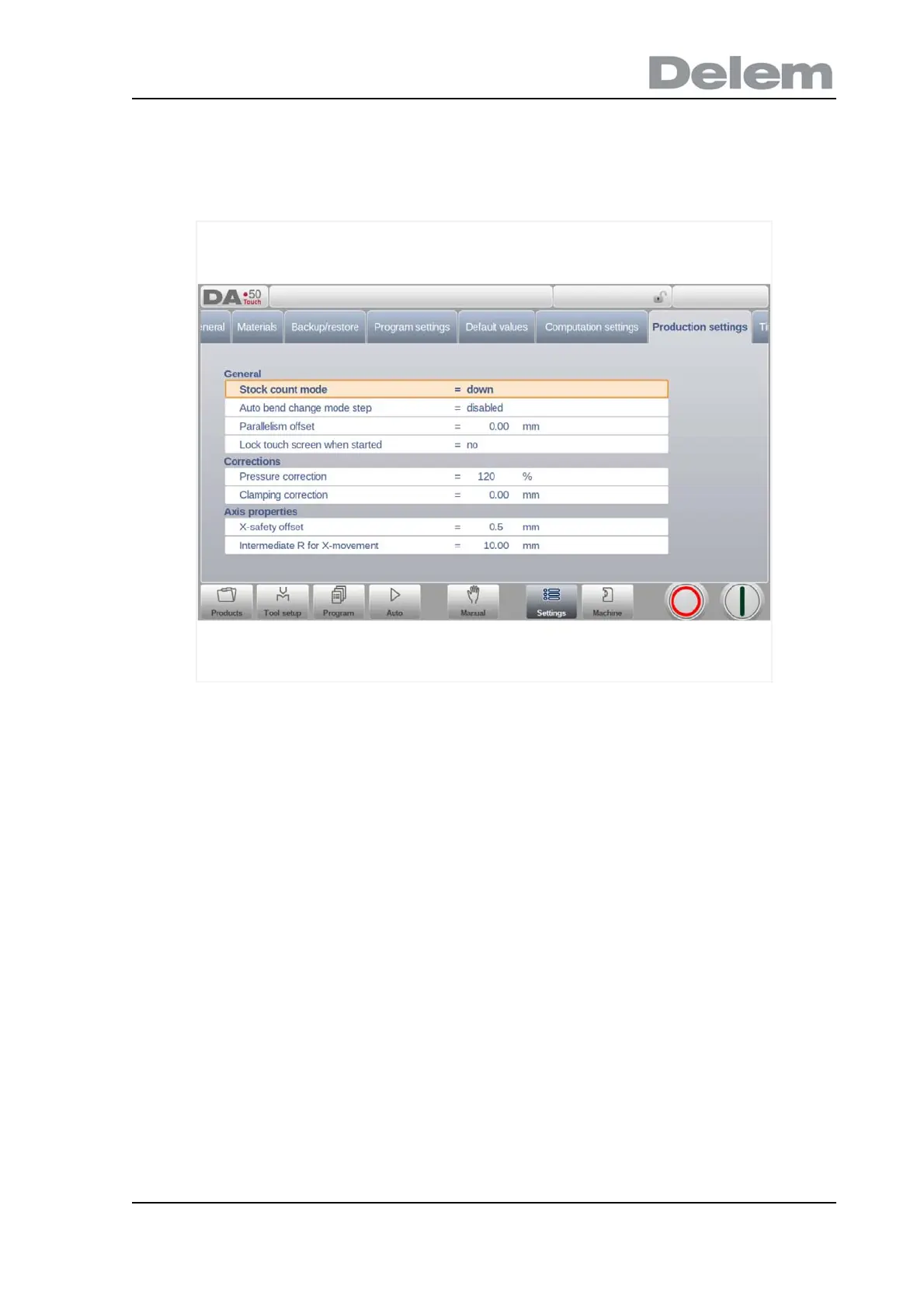
Within some modes, the program screens are divided into tabs.
The tabs can easily be selected by just tapping them. When a tab is not completely visible or
not visible at all, just by dragging the tab row horizontally, the desired tab can be "pulled" in
sight and be selected.
1.6.4. Text input and editing
The cursor can be used to enter a specific value or text within an existing input. Just tap at the
desired position to do so. The cursor will appear and input will be added there.



 To Next Page