V0817, 4.1
4. Product programming
4.1. Introduction
To edit an existing CNC program, select a product in the Products overview and select the
navigation button Program. When starting a new program, select New Program and after
giving in the main product properties and tool setup, the system will automatically switch to
Program.
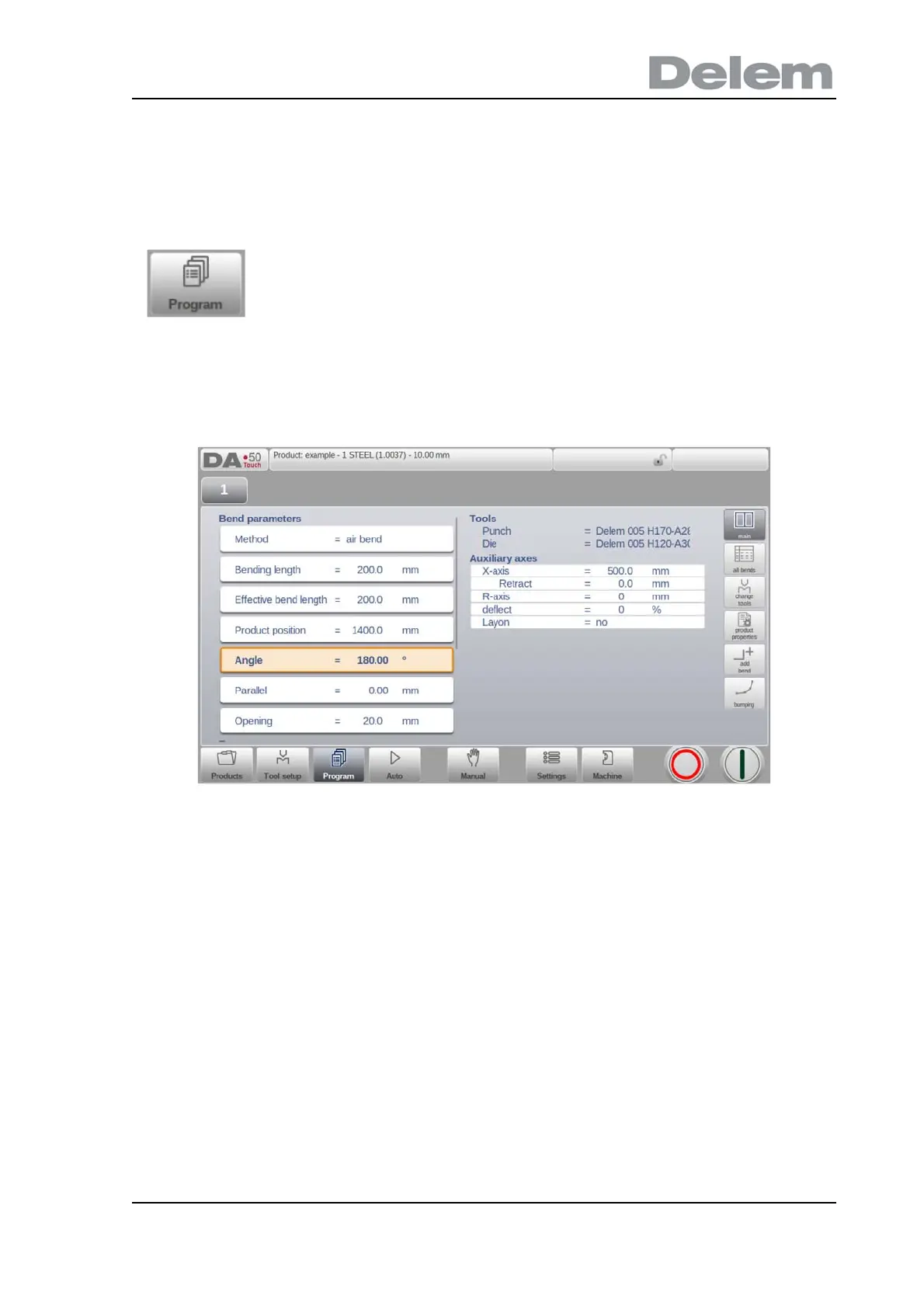
In both cases, a screen as shown above should appear. Programming and changing data is
done in the same way in both cases.
The main screen shows the existing numerical program or, when starting a new program, the
first to be programmed bend. The bend selector in the top of the screen can be used to
navigate thru the bends. The indicated bends can be tapped to easily select the desired bend
data.
At the side of the main screen views and functions are indicated with command buttons.
To generate or modify a numerical program, start a new program
from the Products mode or use Program to enter directly



 To Next Page