V0817, 5.4
5.2. View modes
The auto mode screen is offering a diversity of views which, depending on ones production
methode, can be chosen. When selecting auto mode for the first time, the main screen will
appear. On the right side of the screen the available view modes can be selected.
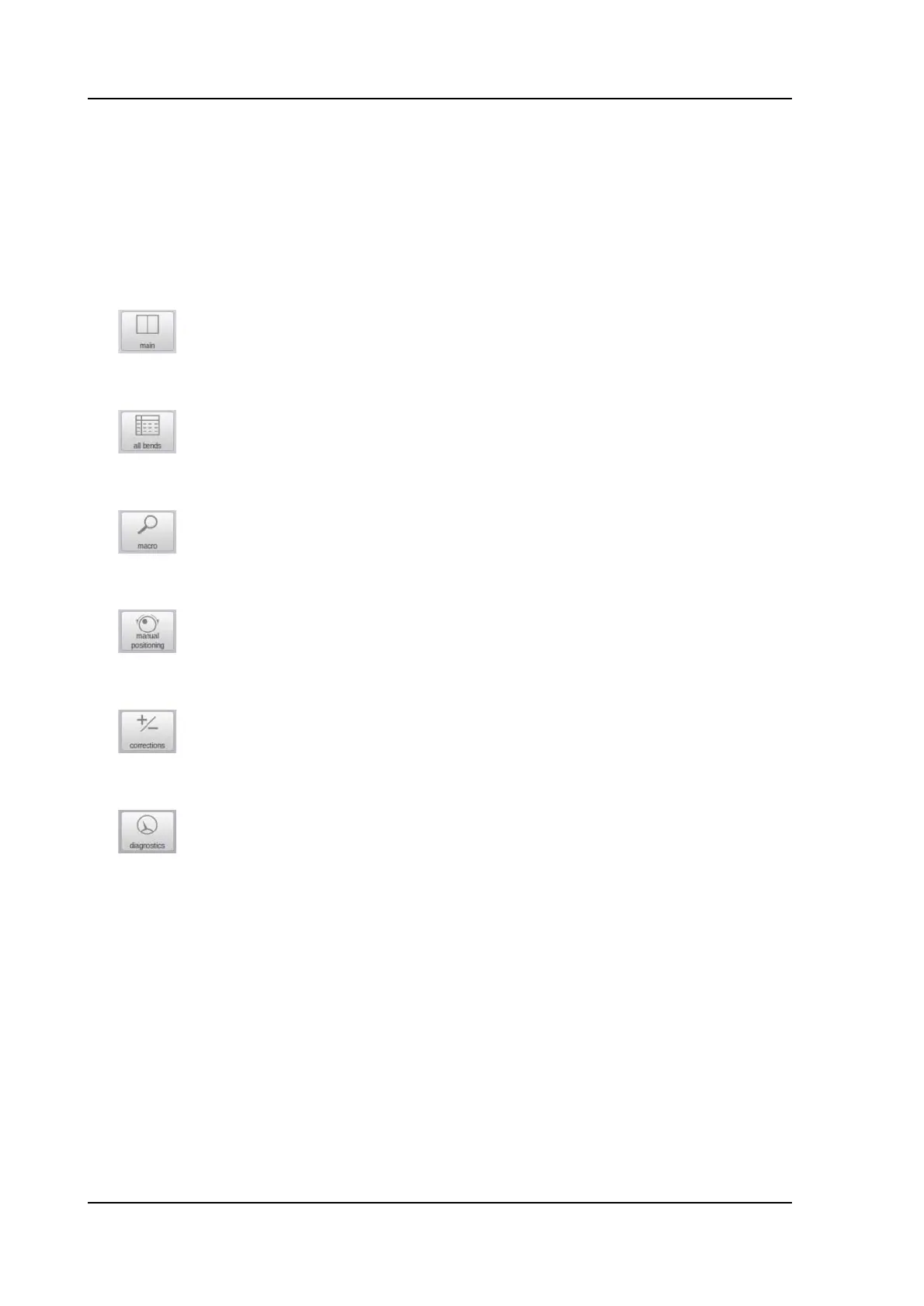
Following view modes are available:
The appropriate view can be switched from and to, not changing the bend data. The Start will
not jump to Stop while switching view modes.
Main, numerical bend data. See for details paragraph 7.2.1
All bends, shows all bend data in a table. See for details paragraph
7.2.2
Macro, large visualisation of axes values shown in a list. See for
details paragraph 7.2.3
Manual positioning, large visualisation of axes values with the
posibity to move axes from their position and teach the axis value in
the selected bend. See for details paragraph 7.2.4
Corrections, all correction values for angle as well as axes positions.
See for details paragraph 7.2.5
Diagnostics, special information on the axes positioning and I/O
status of the control system. This view mode is meant for service
purposes. See for details paragraph 7.2.6



 To Next Page