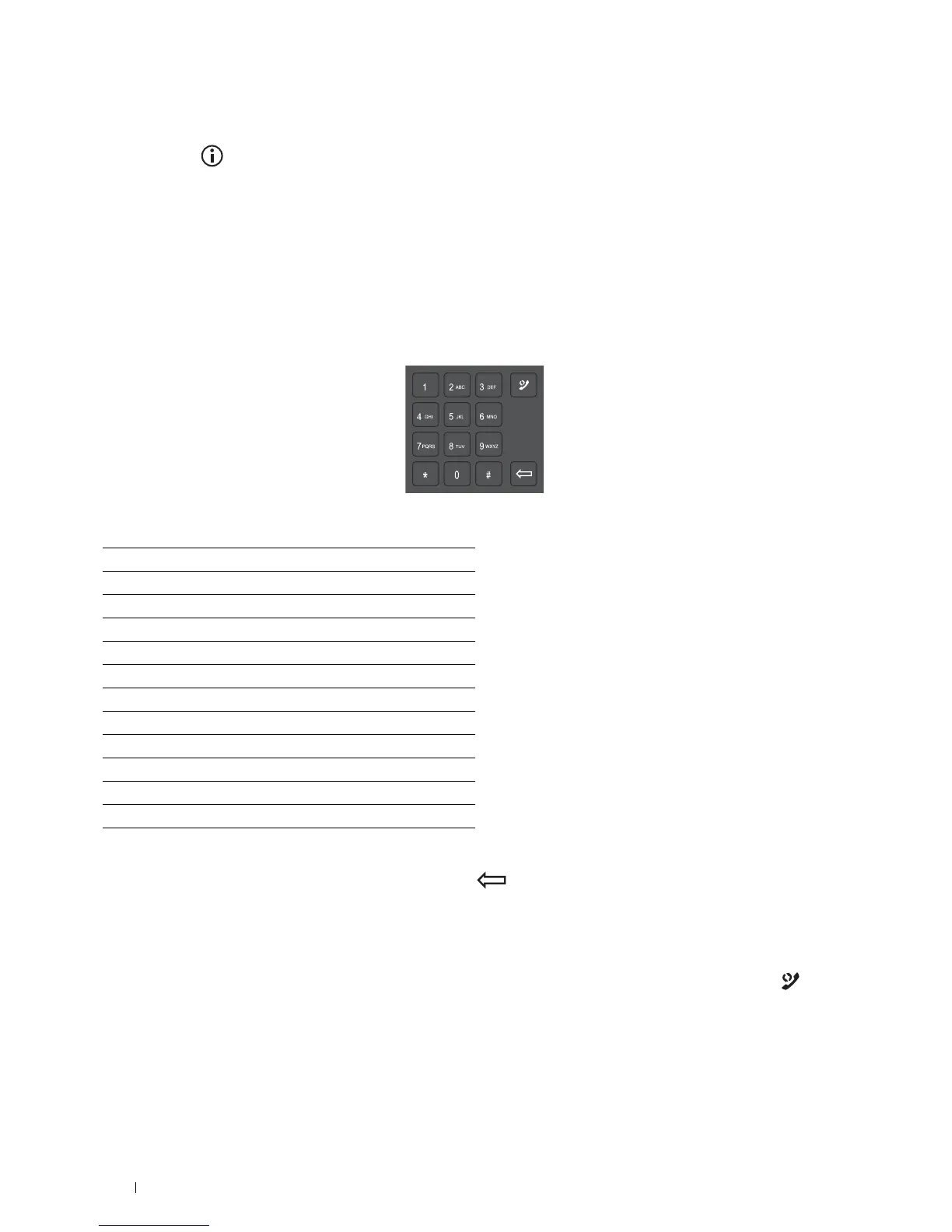
1
2
3
4
5
6
7
8
9
0
To Change the Keyboard Layout
1
Press the (Information) button.
2
Tap t h e
Tools
tab, and then tap
Language Settings
.
3
Ta p
Keyboard Layout
.
4
Tap the desired keyboard layout.
5
Ta p
OK
.
Using the Number Pad
As you perform various tasks, you may need to enter numbers. For example, when you enter fax number directly.
Number Pad Numbers
∗
#
Changing Numbers or Names
If you make a mistake while entering a number, press
the
(Delete)
button
to delete the last digit or character.
Then enter the correct number or character.
Inserting a Pause
For some telephone systems, it is necessary to dial an access code and listen for a second dial tone. A pause must be
entered in order for the access code to function. For example, enter the access code 9 and then press the
(Redial/Pause) button before entering the telephone number. "-" appears on the display to indicate when a pause is
entered.
Operator Panel 114















 To Next Page