Dell and the Environment
Click the hyperlink to access the web site about recycling.
Close button
Click this button to close the Dell Supplies Management System window.
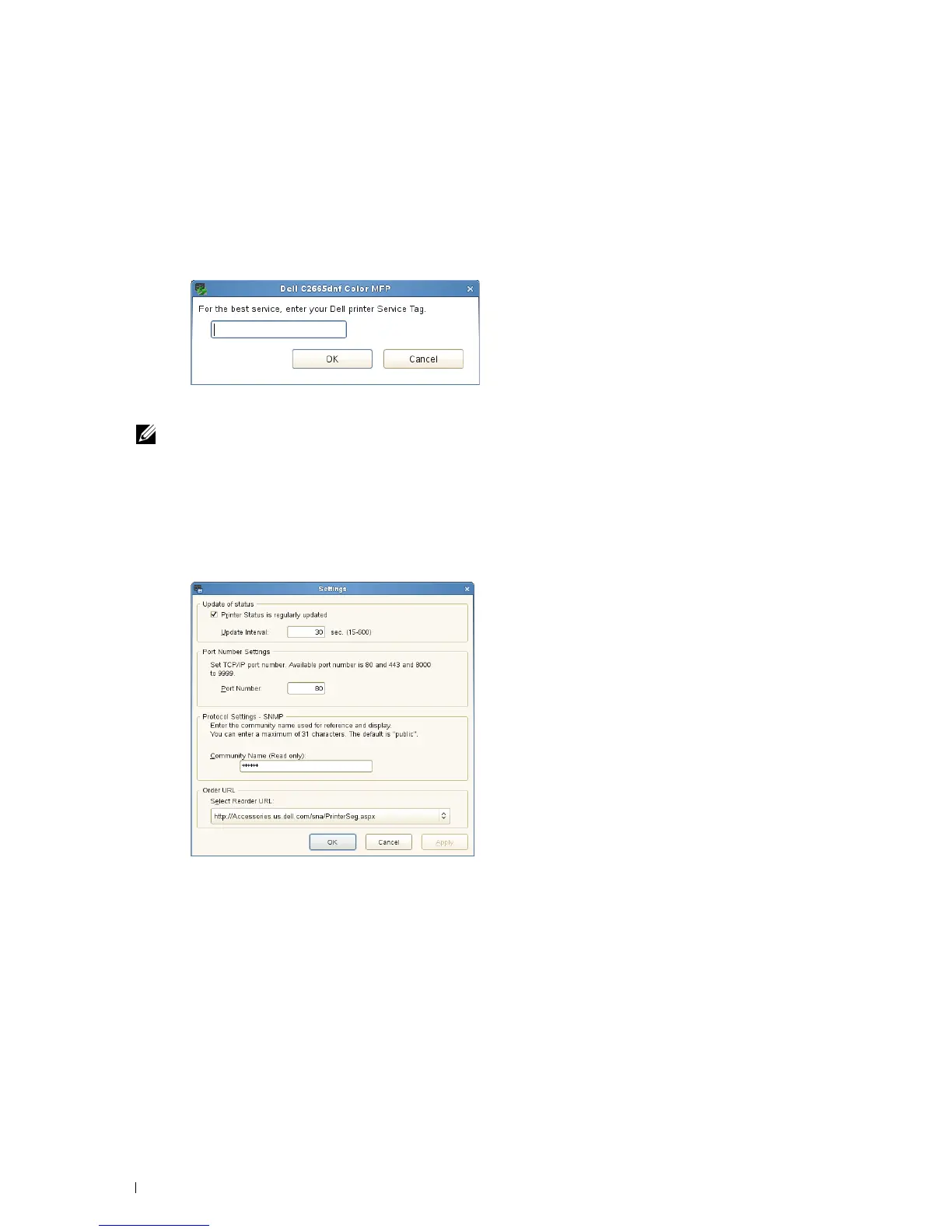
Service Tag Window
1
Enter the Dell printer service tag.
NOTE: For information on the service tag, see "Express Service Code and Service Tag."
Settings Window
To open the Settings window:
1
Click
Settings
in the
Printer Selection
window.
The
Settings
window appears.
Update of status
•
Printer Status is regularly updated
check box
Select the check box to enable/disable the printer status to be updated by the specified interval.
•
Update interval
text box
Specify the update interval of the printer status.
Port Number Settings
• Port Number
Specify the port number in the
Port Number
text box to open the setting page of your printer in a web browser.
Understanding Your Printer Software 420















 To Next Page