5
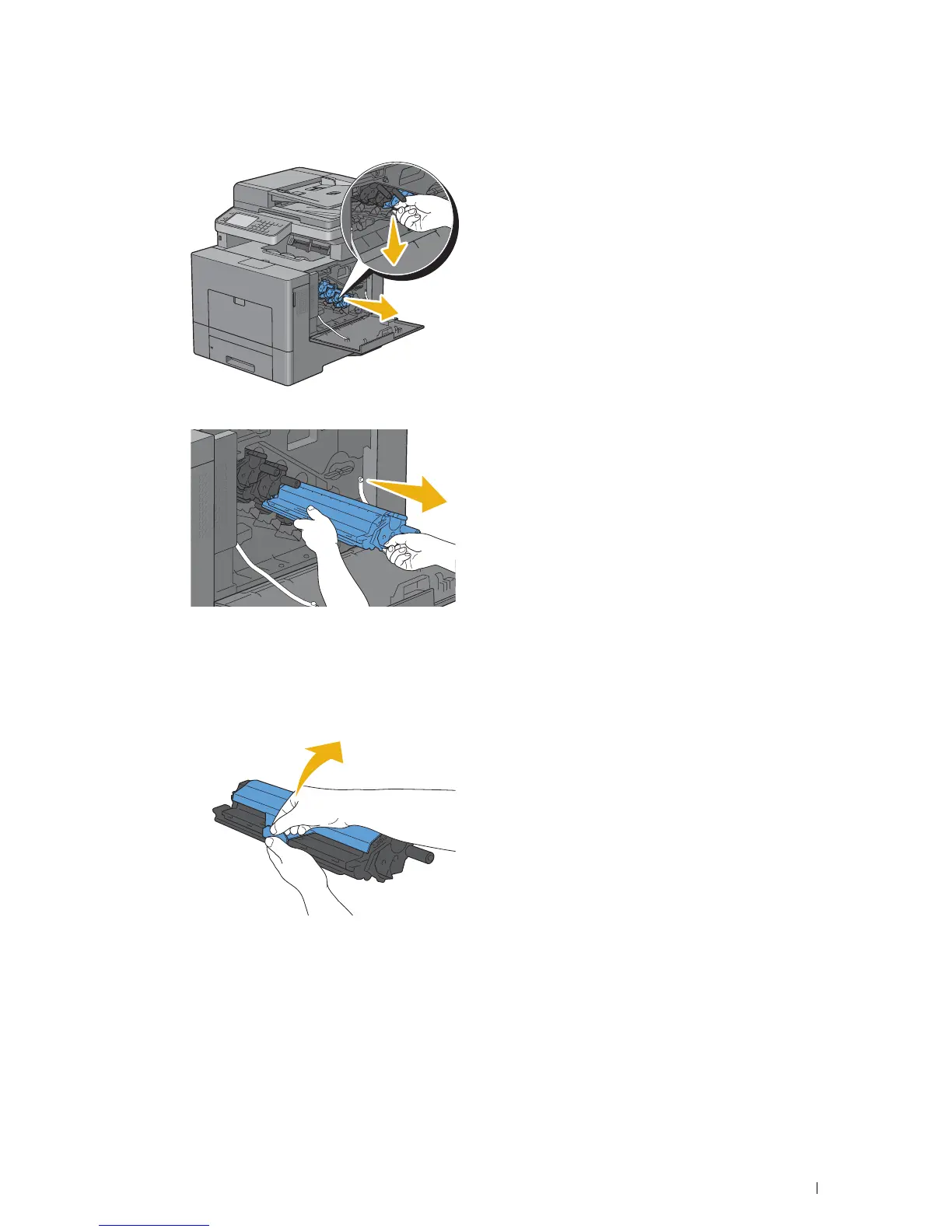
Slightly pressing down the tab on the drum cartridge that you want to replace, pull it out halfway with one hand.
6
Support the drum cartridge with the other hand from underneath, and then pull it out completely.
7
Repeat the steps 5 and 6 to remove the other three cartridges.
Installing a Drum Cartridge
1
Unpack a new drum cartridge of the desired color.
2
Remove the orange protective cover from the drum cartridge.
Maintaining Your Printer 473















 To Next Page