1
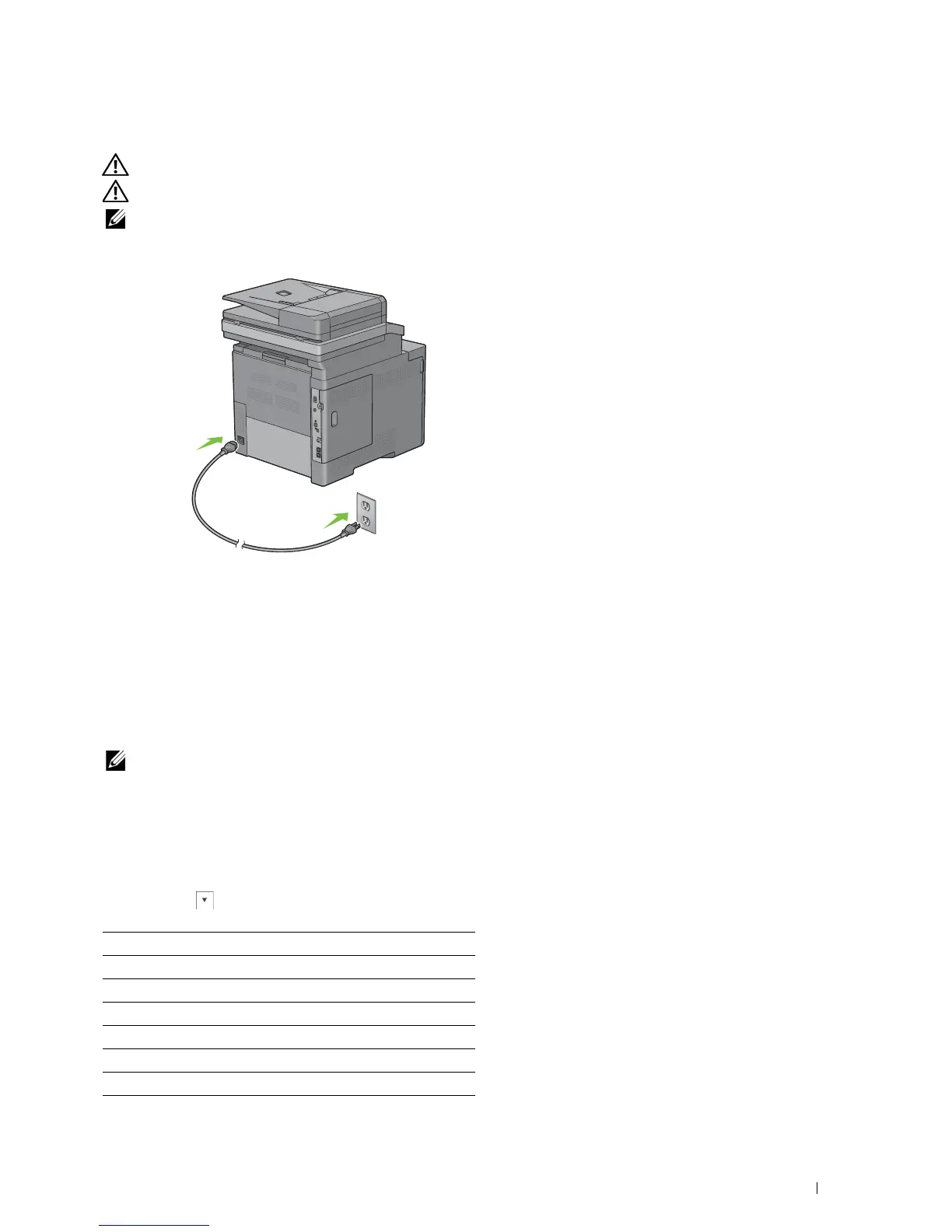
Turning on the Printer
WARNING: Do not use extension cords or power strips.
WARNING: The printer should not be connected to an Uninterruptible Power Supply (UPS) system.
NOTE: The Software and Documentation disc also contains video instructions. On Dell Printer Setup, click Installation Video.
Connect the power cable to the power connector on the rear of the printer, and then to a power source.
2
Turn on the printer. When the printer is connected via a USB cable, the USB driver is automatically installed.
Setting Initial Settings on the Operator Panel
You need to set the printer language, country, clock date, time, and fax settings when you turn on printer for the first
time.
When you turn the printer on, the wizard screen to perform the initial setup appears on the touch panel. Follow the
steps below to set the initial settings.
NOTE: If you do not start configuring the initial settings, the printer automatically restarts in three minutes, and the Home screen
appears on the touch panel. After that, you can set the following initial setup by enabling
Power on Wizard on the touch
panel or Dell Printer Configuration Web Tool if needed.
For more information on operator panel, see
"Operator Panel."
For more information on
Dell Printer Configuration Web Tool
, see
"
Dell™ Printer Configuration Web Tool.
"
1
The
Select Your Language
screen appears.
a
Tap until desired language appears, and then tap the desired language.
English
Français
Italiano
Deutsch
Español
Dansk
Nederlands
Connecting Your Printer
63















 To Next Page