2
3
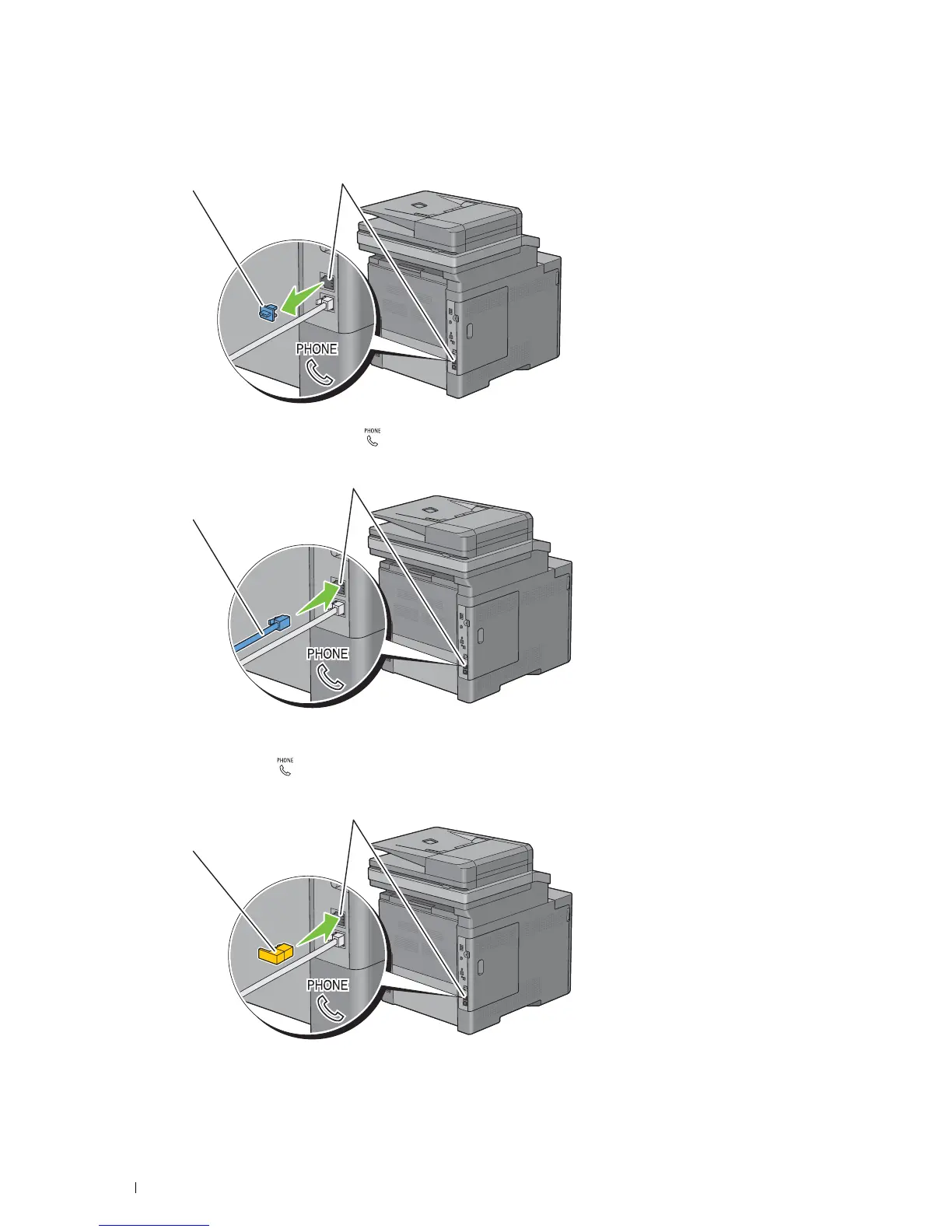
Remove the "Blue" plug from the phone connector.
Phone connector
"Blue" plug
To connect a telephone and/or answering machine to your printer, connect the telephone or answering machine
line cord into the phone connector ( ).
Phone connector
To an external telephone or
answering machine
If the phone communication is serial in your country (such as Germany, Sweden, Denmark, Austria, Belgium, Italy,
France and Switzerland), and that you are supplied with a "Yellow" terminator, insert the "Yellow" terminator into
the phone connector ( ).
Phone connector
"Yellow" terminator
Connecting Your Printer
62















 To Next Page