3
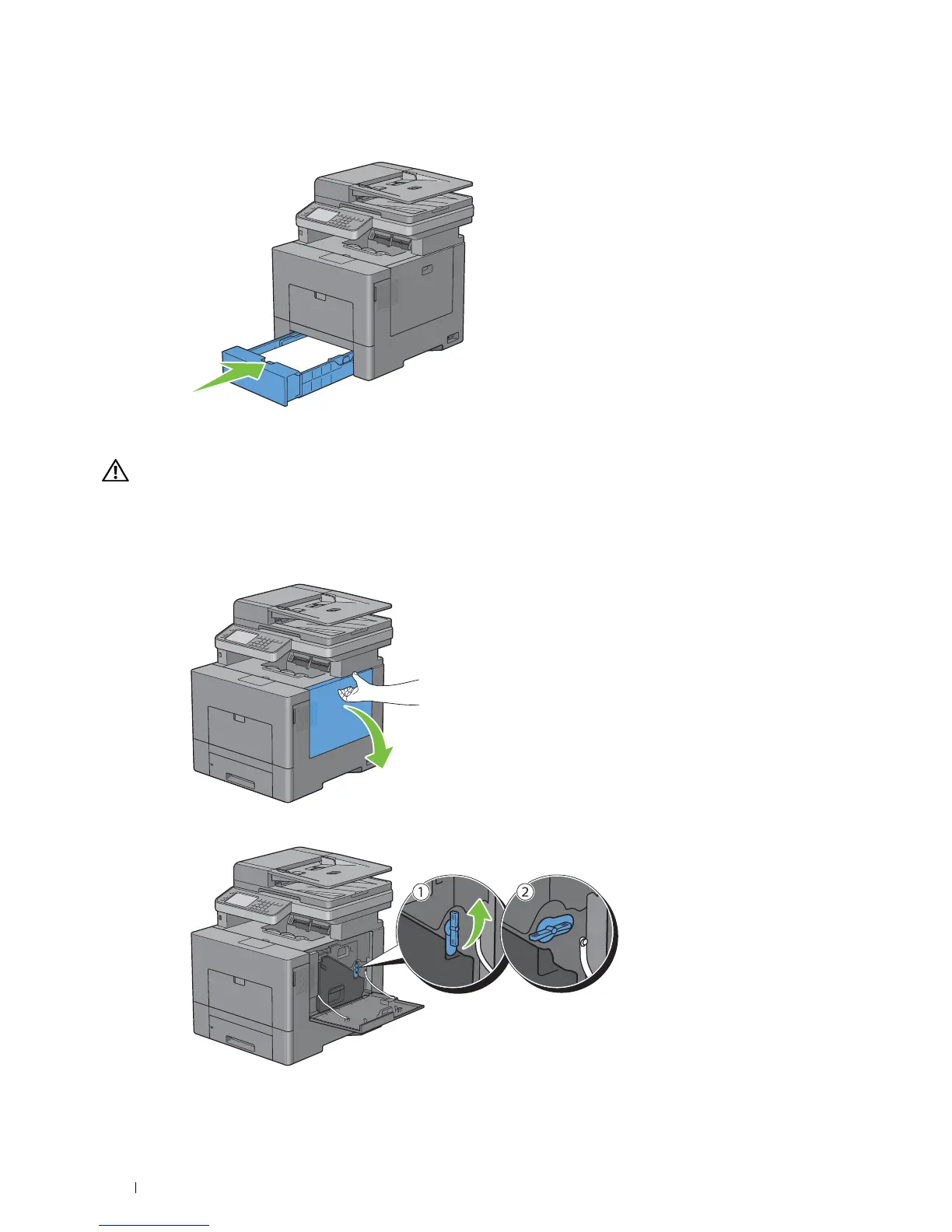
Load paper in tray1, and then insert the tray into the printer and push until it stops.
Replacing the Waste Toner Box
WARNING: Before performing any of the following procedures, read and follow the safety instructions in the
Important
Information
.
Removing the Waste Toner Box
1
Open the right side cover.
2
Turn the waste toner box lock lever 90-degrees counterclockwise to unlock the waste toner box.
Maintaining Your Printer 488















 To Next Page