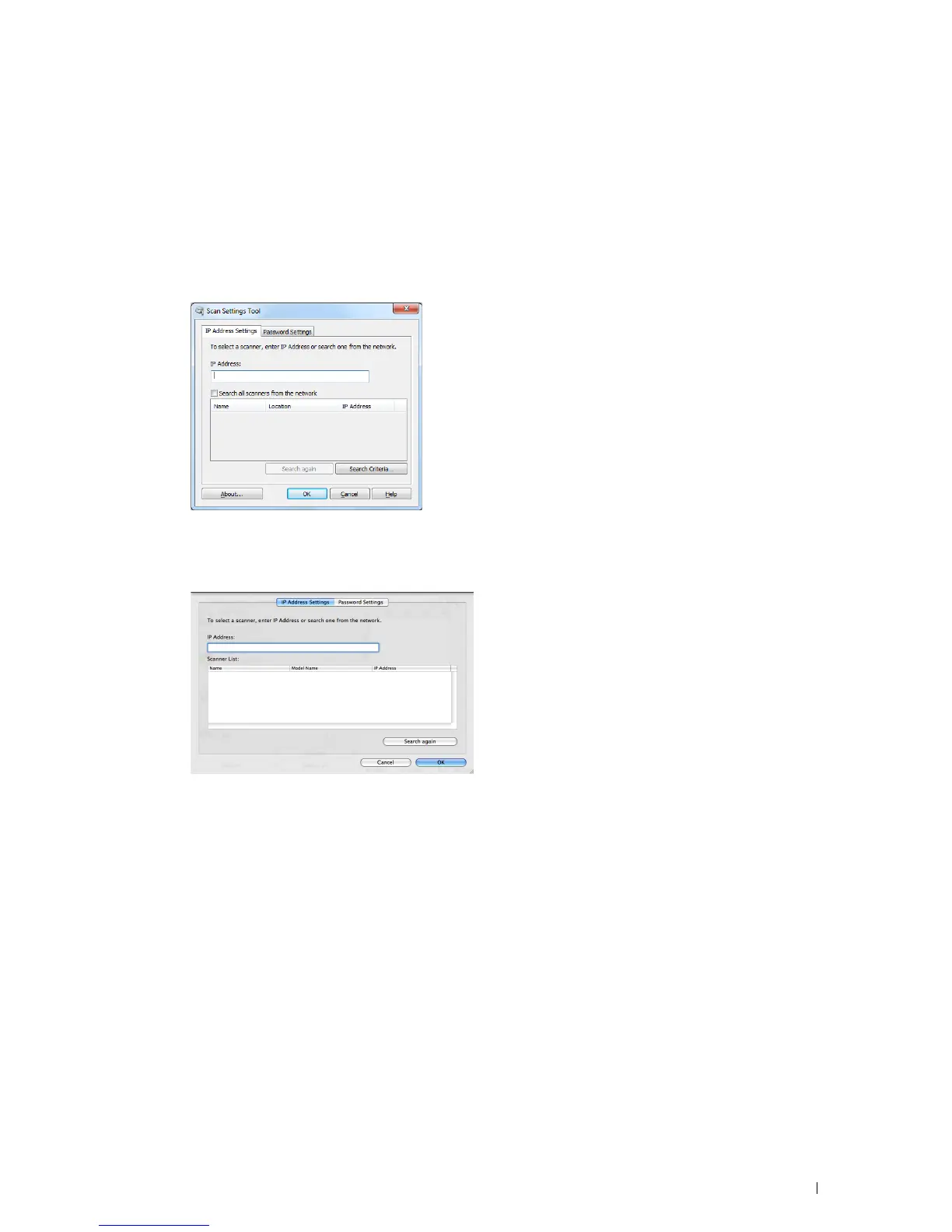
Scan Settings Tool
You can check the IP address of the printer or set the password using the Scan Settings Tool.
To open the Scan Settings Tool:
For Microsoft Windows:
Click Start
→
All Programs
→
Dell Printers
→
Dell C2665dnf Color Laser Multifunction Printer
→
Scan Settings
Tool.
For Apple Macintosh:
Click Settings on the main scanning window of the
Dell C2665dnf Color MFP
window.
IP Address Settings
In the IP Address Settings tab, you can check the IP address that is set for your scanner or change the scanner
selection.
•IP Address
Enter the IP address.
• Search all scanners from the network
(Windows only)
Searches scanners in your network.
•Scanner List
Displays a list of scanners that are detected.
• Search again
Searches the scanners in your network.
Scanning 343















 To Next Page