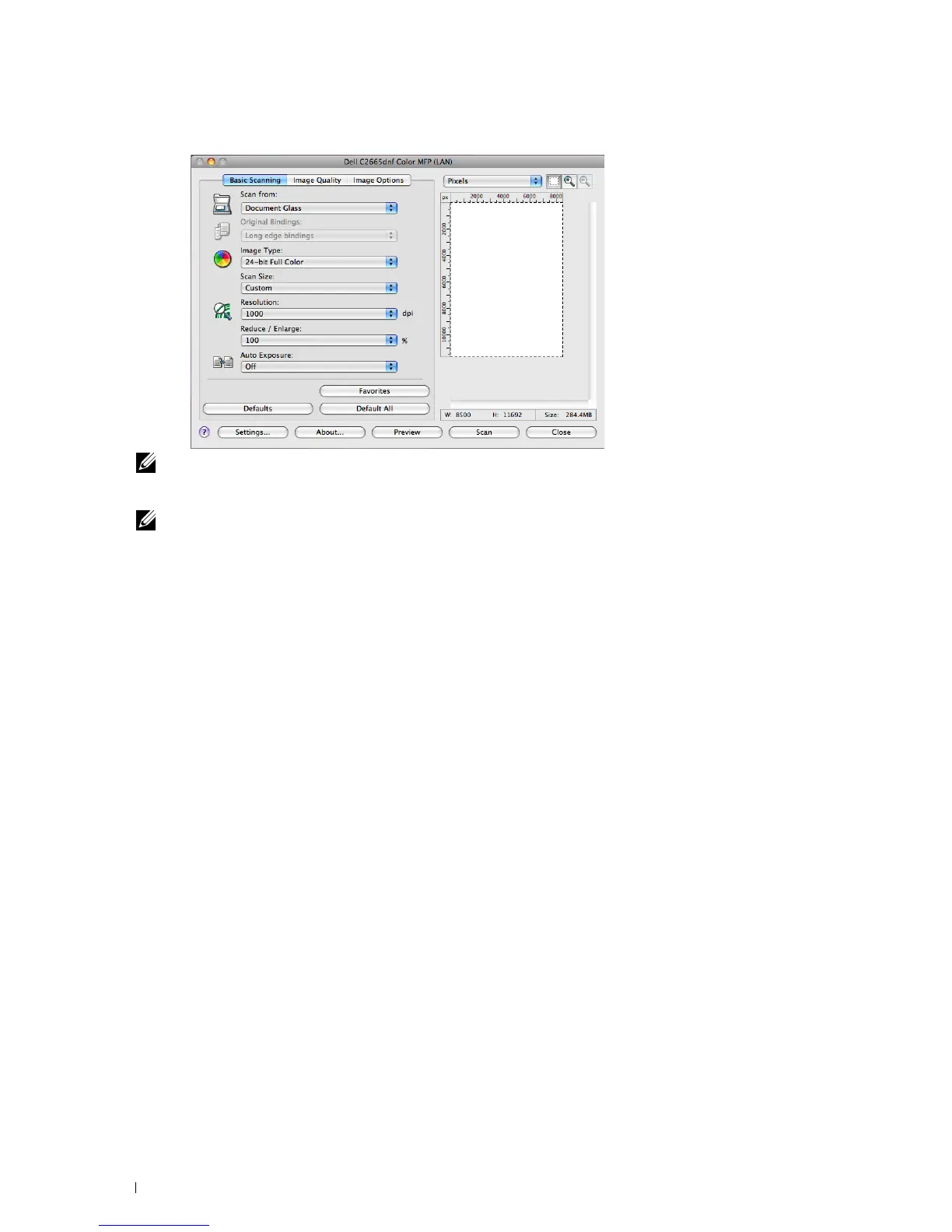
For Apple Macintosh:
NOTE: The screen image may vary depending on the operating system.
7
In the
Basic Scanning
tab, set the desired preferences, and click
Preview
to display the preview image.
NOTE: The Preview feature cannot be used when performing duplex (two-sided) scanning from the DADF.
8
9
10
11
Adjust the settings in the
Image Quality
and
Image Option
tabs.
Click
Scan
to start scanning.
When the scanning is completed, click
Close
to exit the window.
The scanned image is automatically saved in the specified location.
If you want to scan more pages, follow the on-screen instructions to edit the picture after it is copied to your
computer.
Scanning 342















 To Next Page