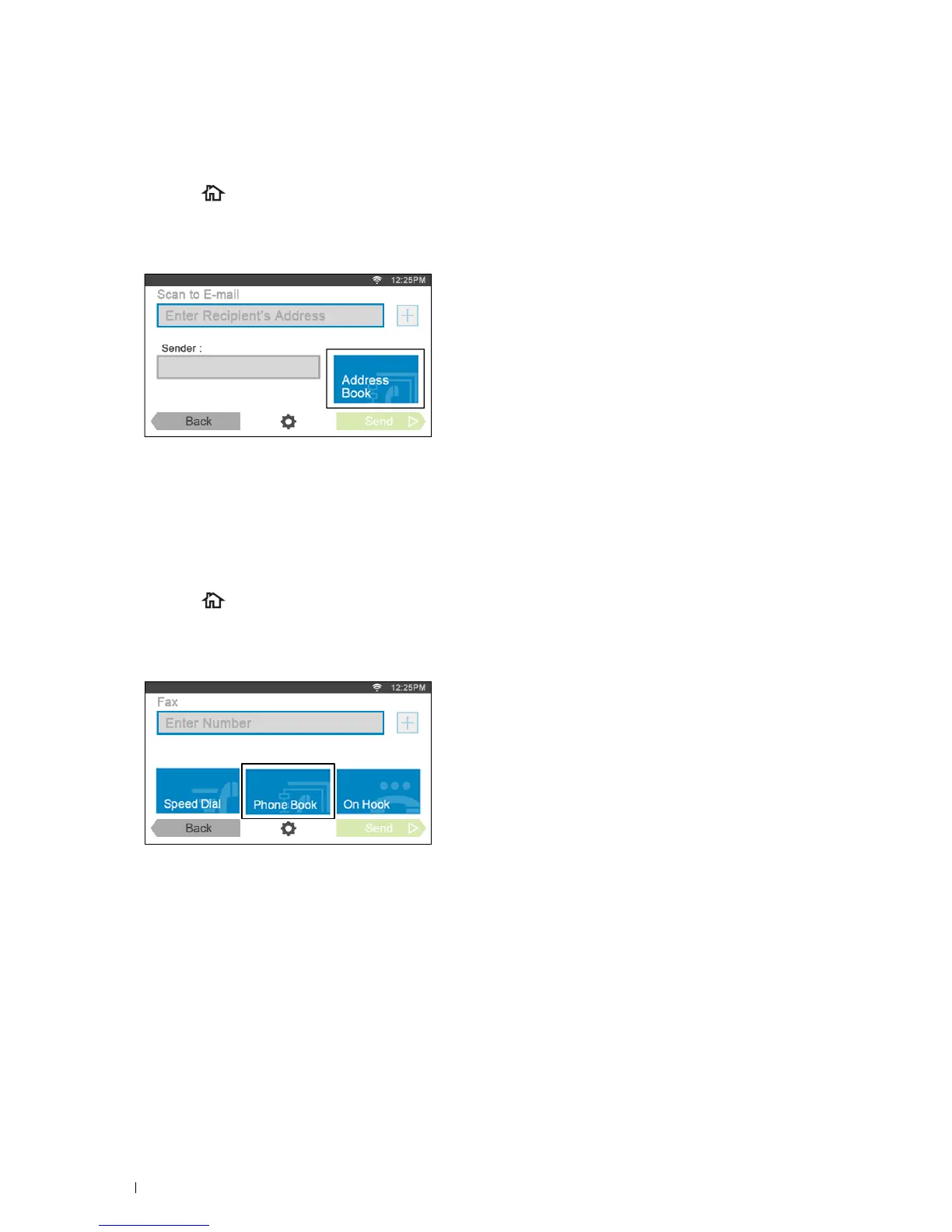
Sending an E-mail With the Scanned File Using the E-mail Server Address
Book
1
Press the (
Home
) button.
2
Ta p
Scan to E-mail
.
3
Ta p
Address Book
.
4
Ta p
Network Address Book
.
5
Enter a keyword using the keyboard, and then tap
Search
.
6
Tap a recipient from the search result, and then tap
Done
.
7
Ta p
Send
to begin sending e-mail.
Sending a Fax Using the Fax Server Phone Book
1
Press the (
Home
) button.
2
Ta p
Fax
.
3
Ta p
Phone Book
.
4
Ta p
Network Address Book
.
5
Enter a keyword using the keyboard, and then tap
Search
.
6
Tap a recipient from the search result, and then tap
Done
.
7
Ta p
Send
to begin sending the fax.
Using the Server Address Book and Server Phone Book 432















 To Next Page