7
Ta p
Yes
.
The Wi-Fi Direct is disconnected and the passphrase is reset.
Resetting the PIN
1
Press the (
Information
) button.
2
Tap t h e
Tools
tab, and then tap
Admin Settings
.
3
Ta p
Network
.
4
Ta p
Wi-Fi Direct
.
5
Ta p u n t i l
WPS Setup
appears, and then tap
WPS Setup
.
6
Ta p
PIN Code
.
7
Ta p
Reset Code
.
8
Ta p
Yes
.
The Wi-Fi Direct is disconnected and the PIN is reset.
Mobile Printing
The Dell™ C2665dnf Color Laser Multifunction Printer supports printing from a variety of mobile devices.
Android OS
Download the Dell Mobile Print app for free from Google Play™. Easy to use and navigate, the Dell Mobile Print app
enables direct printing of photos, documents web content and more, to supported Dell printers on a Wi-Fi or
Ethernet network.
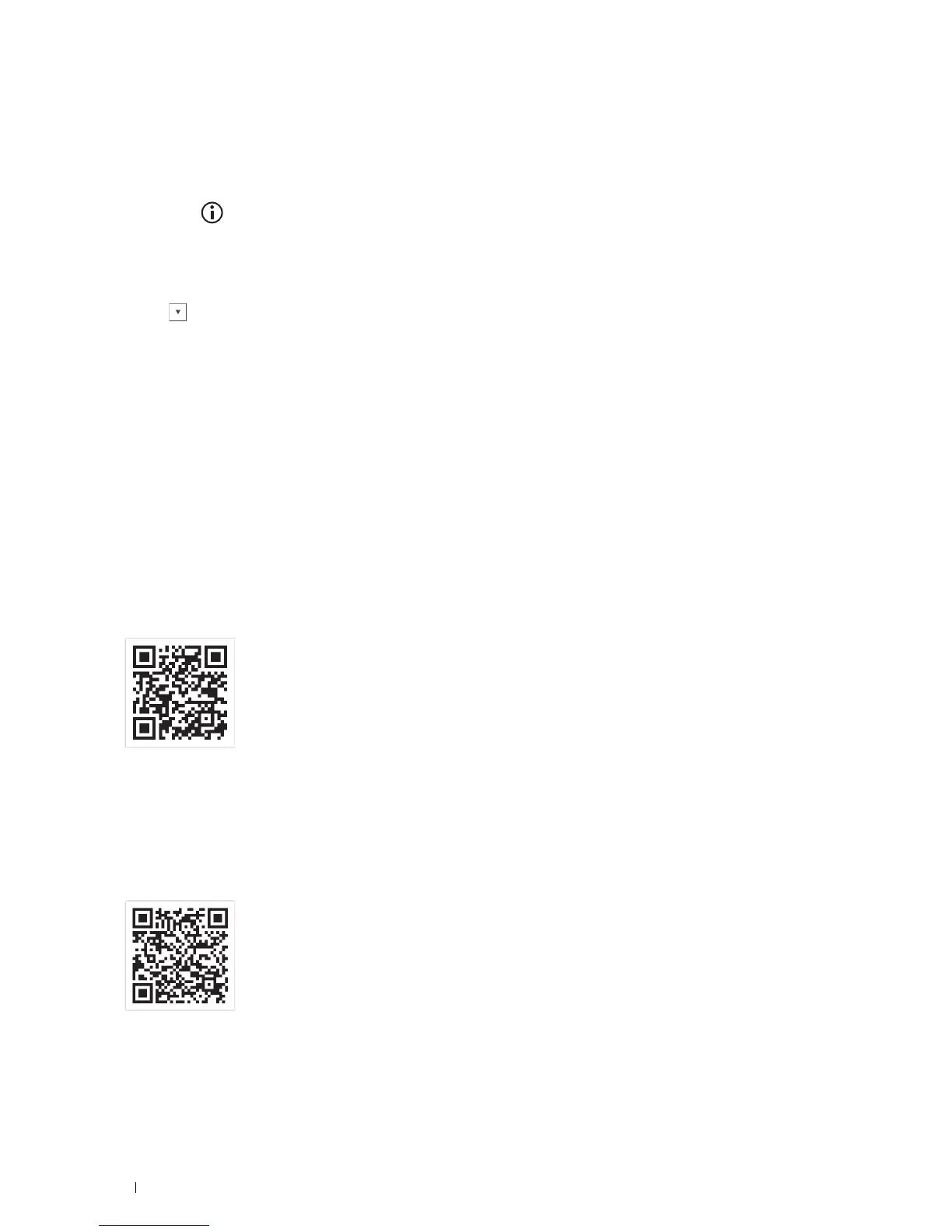
Scan the QR Code
®
for quick access to the relevant application store.
For Android OS
Apple iOS
This printer is compatible with AirPrint. For details about AirPrint, see "Printing With AirPrint." This printer is also
compatible with Mobile Print App for Dell by ThinxtreamTM, available for free download from App Store.
Scan the QR Code for quick access to the relevant application store.
For Apple iOS
Printing
320















 To Next Page