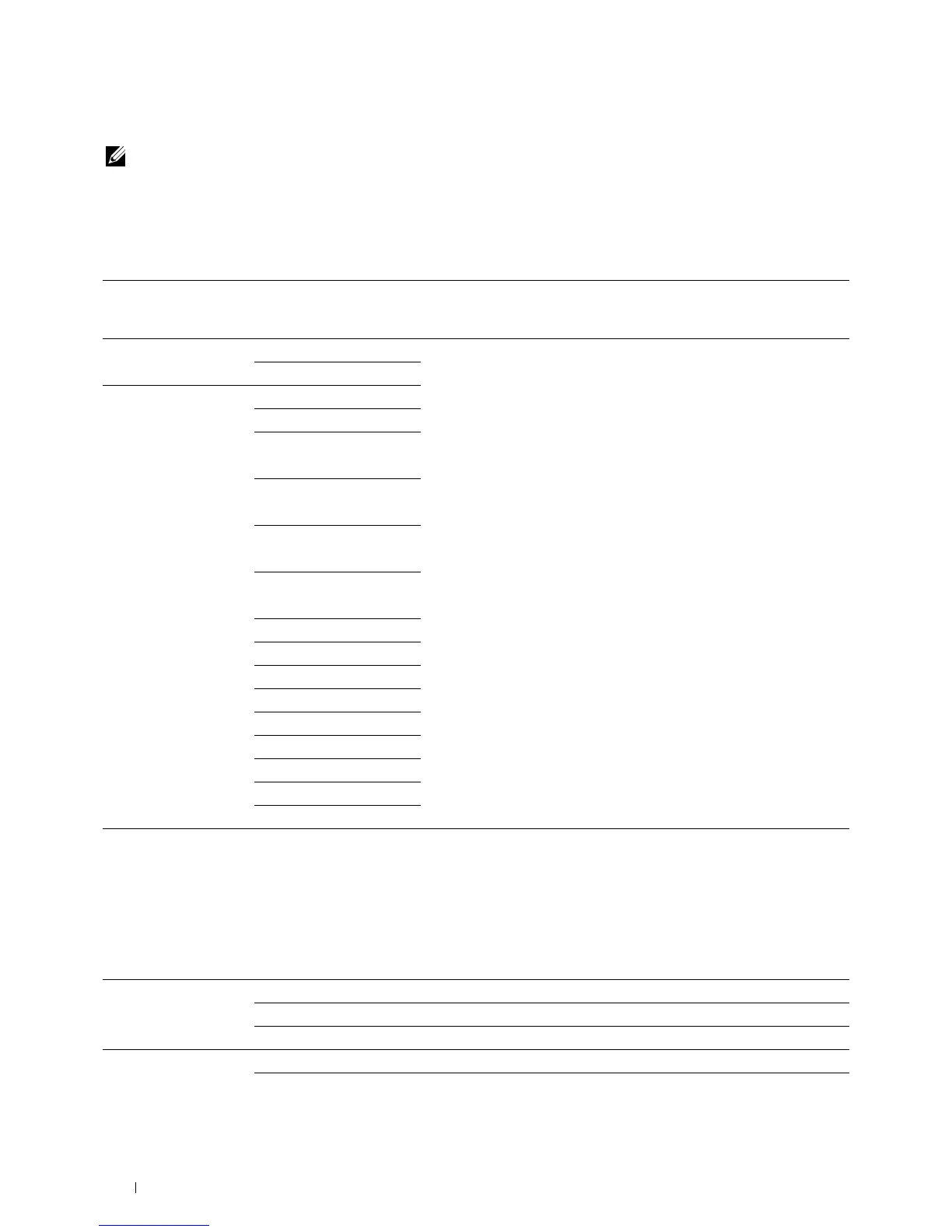
Tray2
NOTE: Tray2 feature is available only when the optional 550-sheet feeder is installed.
Purpose:
To specify the paper loaded in the optional 550-sheet feeder.
Va lu e s:
Display Tray Prompt
Size Auto Sensed
*
Enter a check to display a popup message that prompts to set Paper Type
and Paper Size when paper is loaded in the optional 550-sheet feeder.
The factory default is on (check).
Custom
Type Plain
Plain Thick
Covers
(106-163g/m
2
)
Covers Thick
(164-216g/m
2
)
Coated
(106-163g/m
2
)
Coated Thick
(164-216g/m
2
)
Recycled
Letterhead
Preprinted
Prepunched
Color
Plain S2
Color S2
Plain Thick S2
Recycled S2
Tray Priority
Purpose:
To set the priority order of the paper trays for automatic tray selection. If paper trays loaded with the same paper size
and type exists, the paper tray is selected according to this priority order.
Va lu e s:
First MPF
*1
Sets the MPF as the first priority.
Tray1
*
Sets tray1 as the first priority.
Tray2 Sets the optional 550-sheet feeder as the first priority.
Second MPF
*
Sets the MPF as the second priority.
Tray1
*1
Sets tray1 as the second priority.
Understanding the Printer Menus
264















 To Next Page