• Install the printer driver in the computer on which the setup disk is to be created.
• The setup disk can only be used on the operating system on which the disk was created or computers running the
same operating system. Create a separate setup disk for each of the operating systems.
Software Update
The firmware and/or driver updates can be downloaded from the Dell Support web site located at dell.com/support.
Printer Utility Software
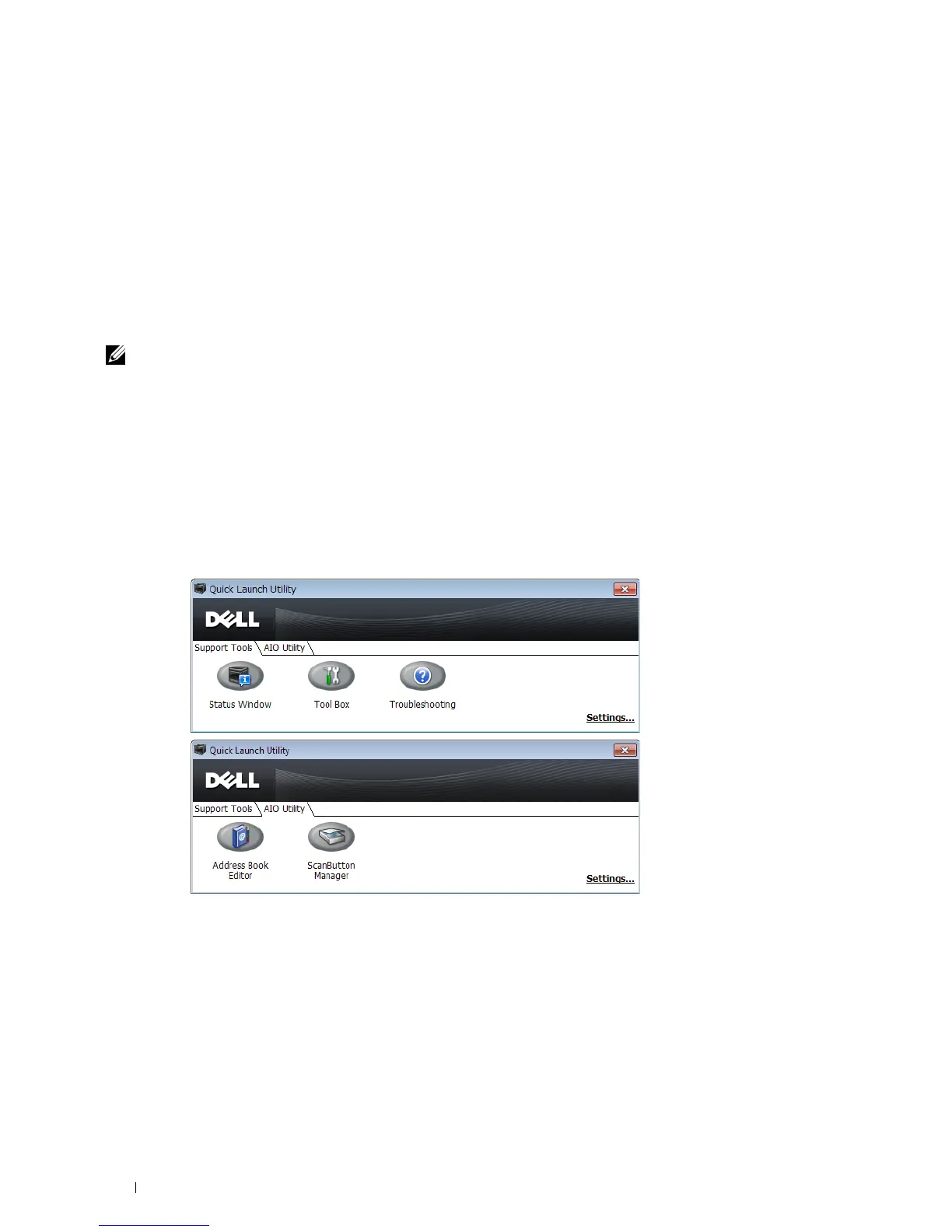
You can open the Status Window, Tool Box, Troubleshooting, Address Book Editor, and ScanButton Manager using
the Quick Launch Utility window.
NOTE: Quick Launch Utility is only supported on Microsoft
®
Windows
®
.
To use the Quick Launch Utility, select to install the Quick Launch Utility when you install the Dell software.
To install the Dell software, follow the instructions below.
1
Insert the
Software and Documentation
disc into your computer and click
setup_assist.exe
to start
Dell Printer
Setup
.
2
Click
Install Printer Driver and Software
.
3
Follow the on-screen instructions.
To open the Quick Launch Utility window:
1
Click
Start
→
All Programs
→
Dell Printers
→
Additional Color Laser Software
→
Quick Launch Utility
.
The Quick Launch Utility window provides five buttons: Status Window, Tool Box, Troubleshooting, Address Book
Editor, and ScanButton Manager.
Understanding Your Printer Software 406















 To Next Page