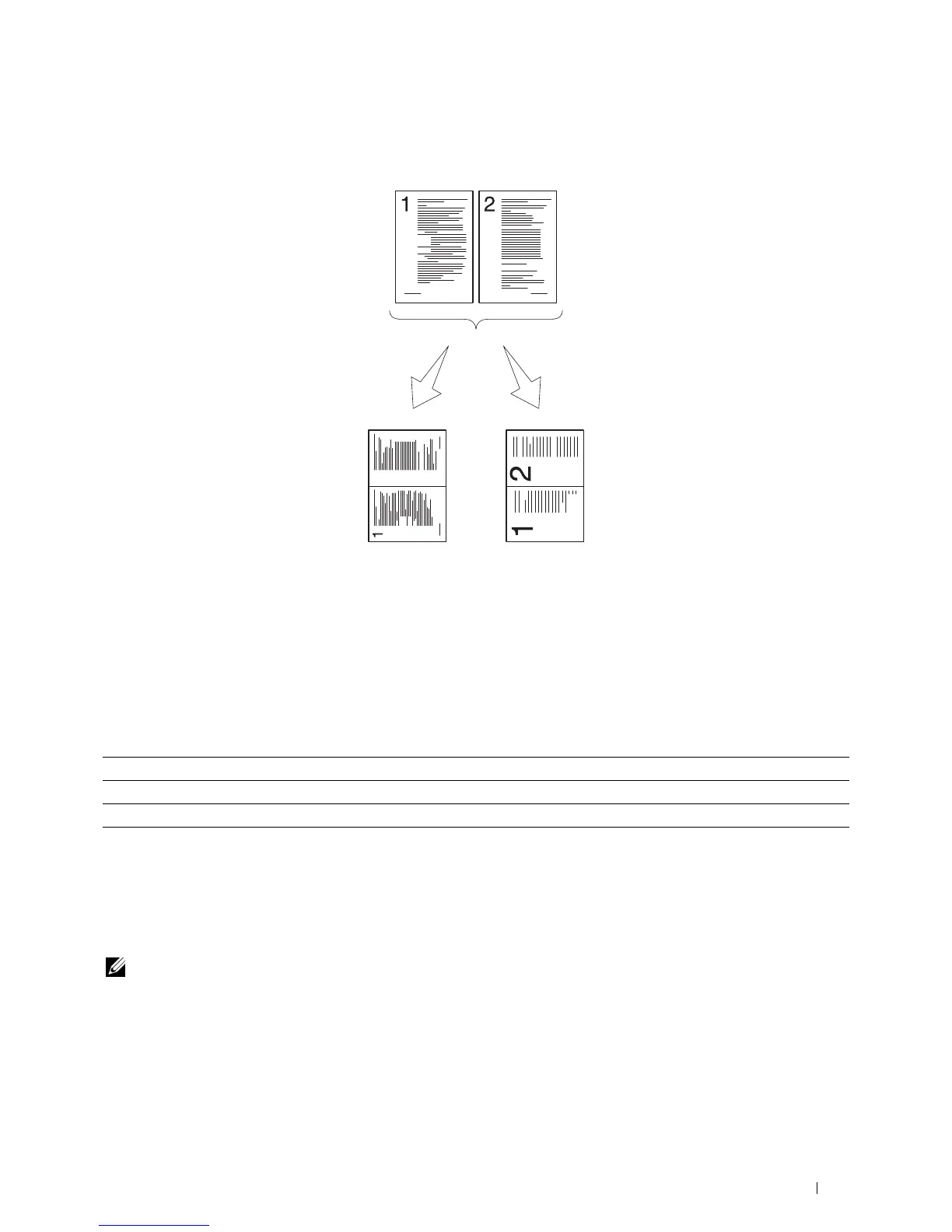
2-Up
To print two original images to fit onto one sheet of paper:
Manual:
Reduces the
pages in the
custom size
depending on the
Auto:
Automatically
reduces the
pages to fit in
one page.
setting of the
Reduce / Enlarge
menu.
1
Swipe the screen until
2-Up
appears, and then tap
2-Up
.
2
Tap the desired setting, and then tap
OK
.
Off* Does not perform multiple-up printing.
Auto Automatically reduces the original pages to fit onto one sheet of paper.
Manual Prints the original pages onto the one sheet of paper in the size specified in Reduce / Enlarge.
* Denotes the factory default setting.
When you are using the document glass and it is set to
Auto
or
Manual
, the display prompts you for another
page after tapping
Copy
.
a
If you want to place a new document, replace the document with a new document, and then tap
Continue
.
b
If you finish copying, tap
Print Now
.
NOTE: When you use the DADF to copy both sides of a document, the printed position of the front and back of the document
may differ if the size in the document size setting and the size of the document do not match. In this case, set
Original
Size
to the same size as the document.
Copying
333















 To Next Page