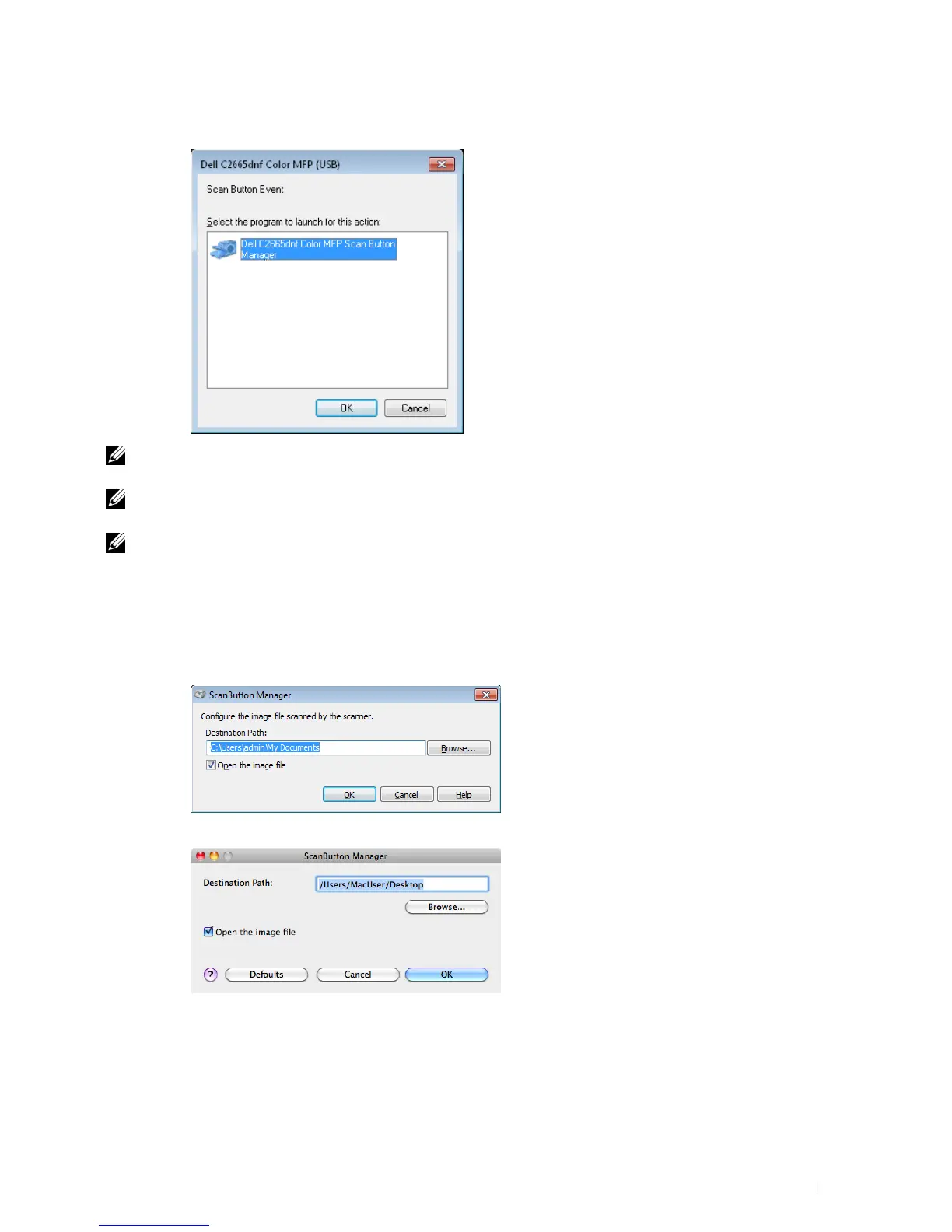
For Microsoft Windows:
NOTE: Once you select Dell C2665dnf Color MFP ScanButton Manager with the Always use this program for this action check
box selected, Dell C2665dnf Color MFP ScanButton Manager will automatically open without selecting an application.
NOTE: You must use ScanButton Manager on your computer to change the settings for scanning. For details, see "ScanButton
Manager."
NOTE: For Macintosh, the dialog box for selecting a program is not displayed.
ScanButton Manager
The Scan to PC stores the image files in the My Documents folder by default, and then you can open them using
the related application. Use ScanButton Manager to change the output destination of the obtained image files and
to select whether to open the image files using the related application.
For Microsoft Windows:
For Apple Macintosh:
Scanning 339















 To Next Page