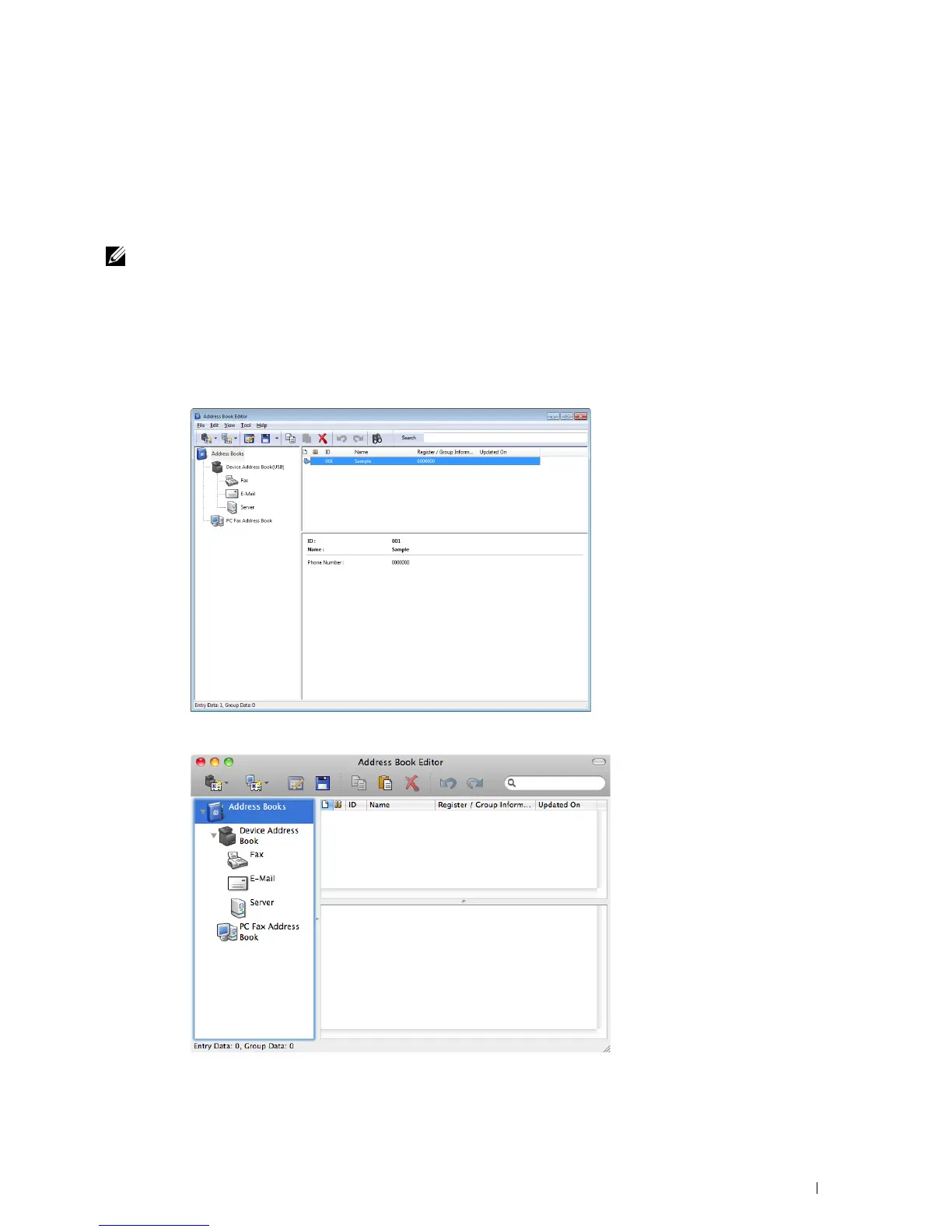
With Address Book Editor, you can:
• Automatically retrieves data from the address books of your printer at startup
• Synchronizes with the printer
• Allows you to import the Address Book data from CSV file, WAB file, MAPI, and LDAP server
• Allows you to export the Address Book data into a CSV file
NOTE: Do not edit the exported CSV file with applications other than the Address Book Editor. Editing the CSV file with other
applications may corrupt the address data.
Address Book Panel
There are two address books you can manage in the Address Book Editor: Device Address Book for Fax, E-mail, and
Server and PC Fax Address Book for Direct Fax.
For Microsoft Windows:
For Apple Macintosh:
Understanding Your Printer Software 409















 To Next Page