6
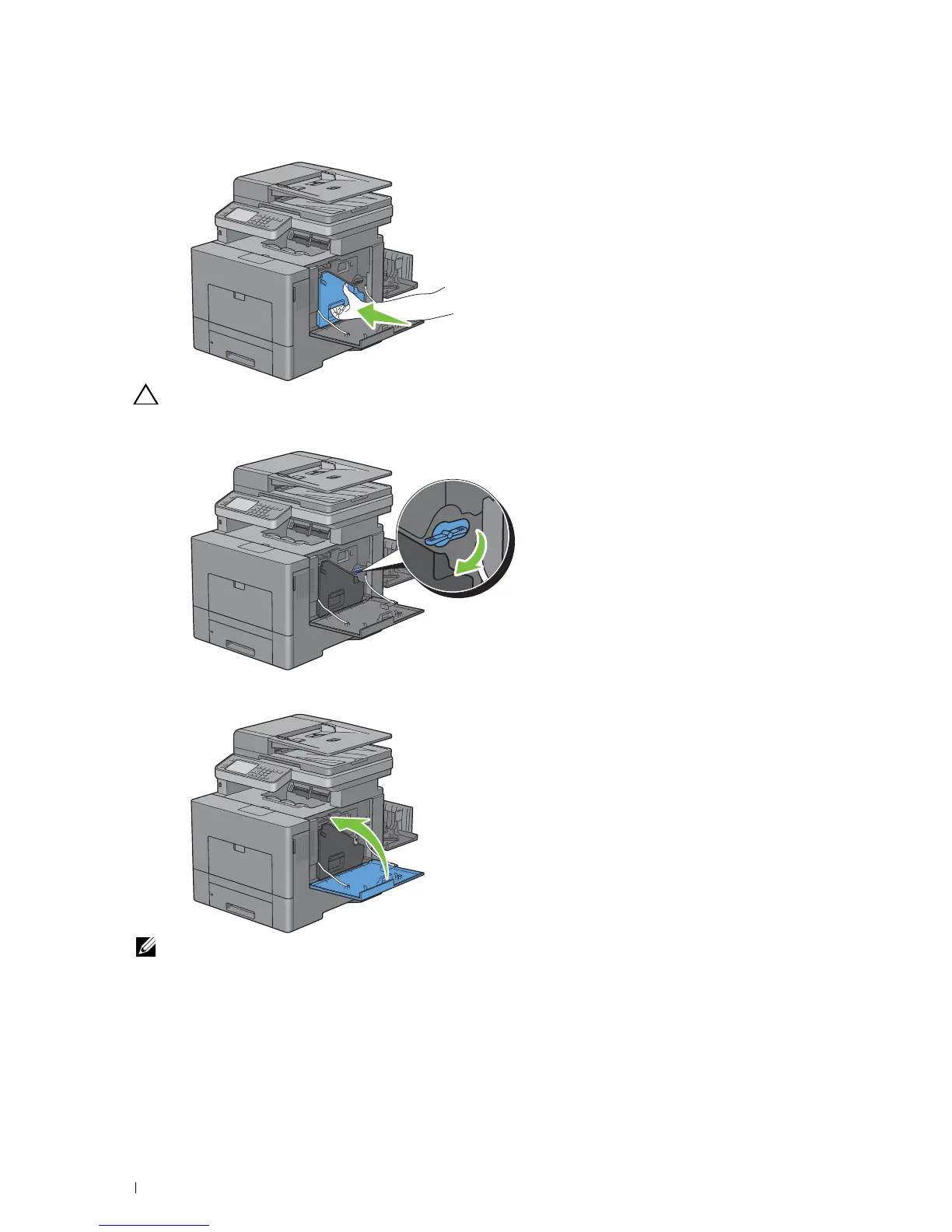
Reinsert the removed waste toner box.
CAUTION: If the waste toner box does not fit into place properly, make sure that the transfer belt unit is fully inserted.
7
Turn the waste toner box lock lever 90-degrees clockwise to lock the waste toner box.
8
Close the right side cover.
NOTE: After replacing the transfer belt unit, be sure to initialize its life counter by following the instructions in the
accompanying manual.
Maintaining Your Printer
484















 To Next Page