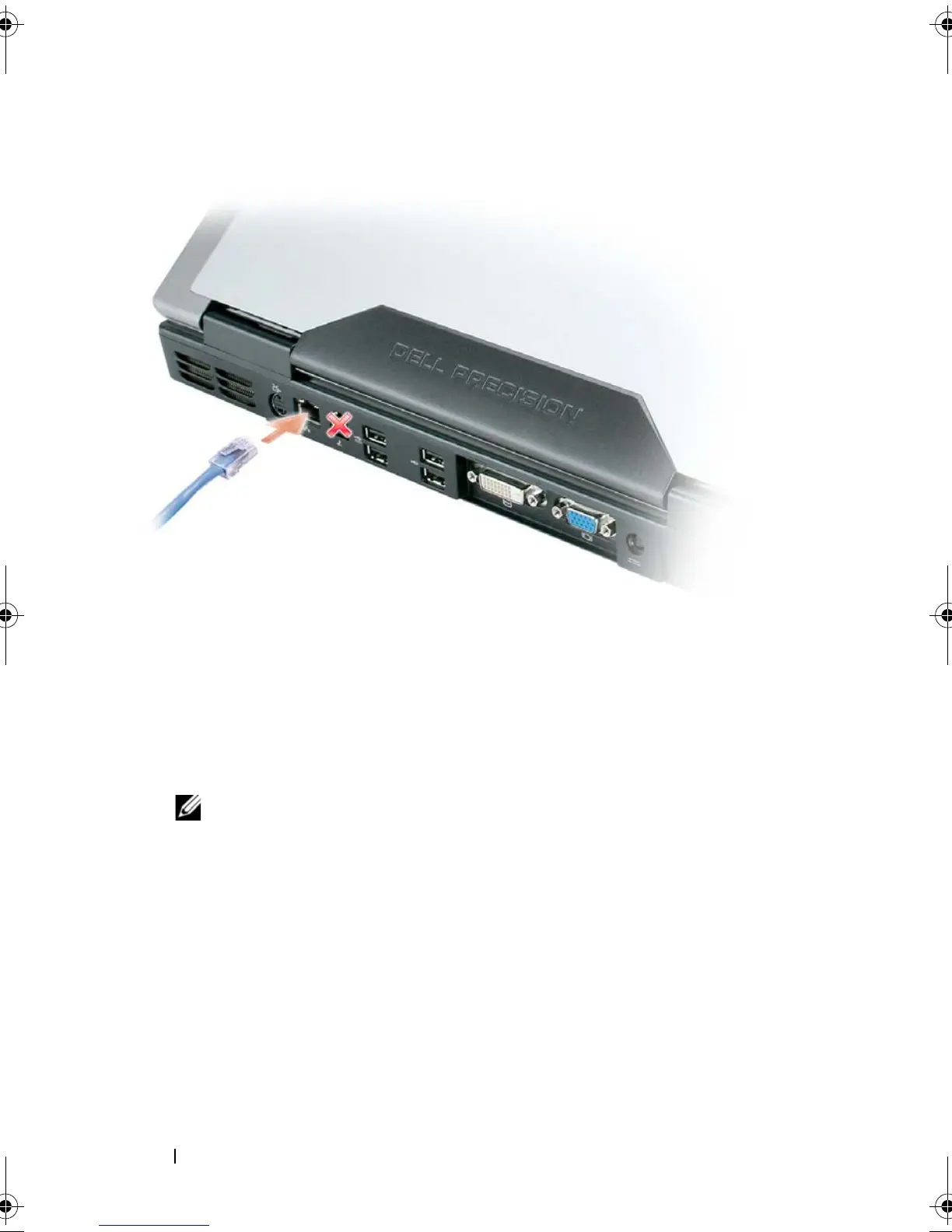
112 Setting Up and Using Networks
Setting Up a Network in the Microsoft®
Windows® XP Operating System
1
Click
Start
→
All Programs
→
Accessories
→
Communications
→
Network
Setup Wizard
→
Next
→
Checklist for creating a network
.
NOTE: Selecting the connection method labeled This computer connects
directly to the Internet enables the integrated firewall provided with Windows
XP Service Pack 2 (SP2).
2
Complete the checklist.
3
Return to the Network Setup Wizard and follow the instructions in the
wizard.
book.book Page 112 Tuesday, August 28, 2007 10:20 AM















 To Next Page