Adding and Replacing Parts 195
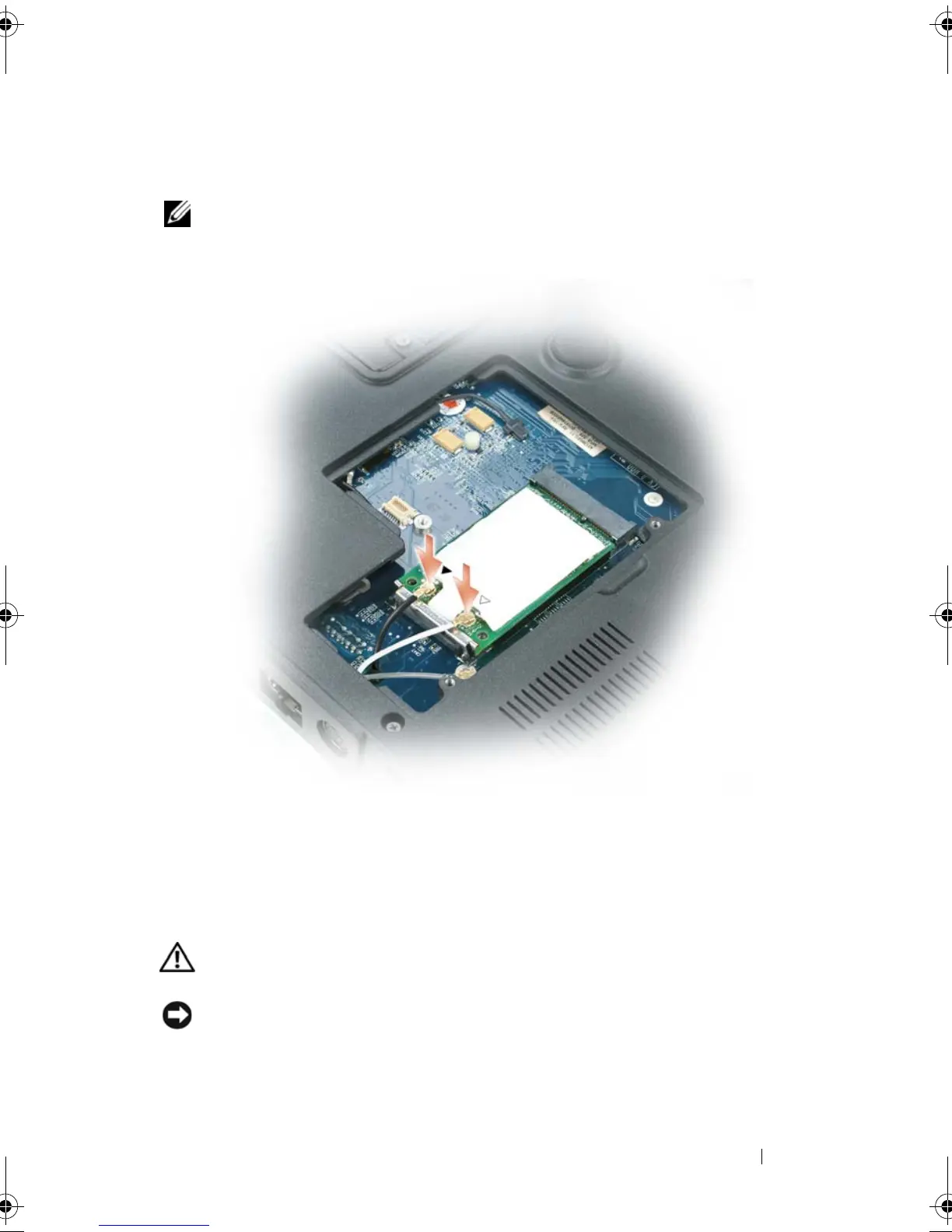
antenna cable (black) to the antenna connector with the black
triangle.
NOTE: If your computer has a gray cable, connect it to the connector with the gray
triangle, if one is available on your card.
7
Replace the mini-card/modem cover.
Internal Card With Bluetooth
®
Wireless
Technology
CAUTION: Before you begin the following procedure, follow the safety
instructions in the
Product Information Guide
.
NOTICE: To avoid electrostatic discharge, ground yourself by using a wrist
grounding strap or by periodically touching an unpainted metal surface (such as the
back panel) on the computer.
book.book Page 195 Tuesday, August 28, 2007 10:20 AM















 To Next Page