Adding and Replacing Parts 203
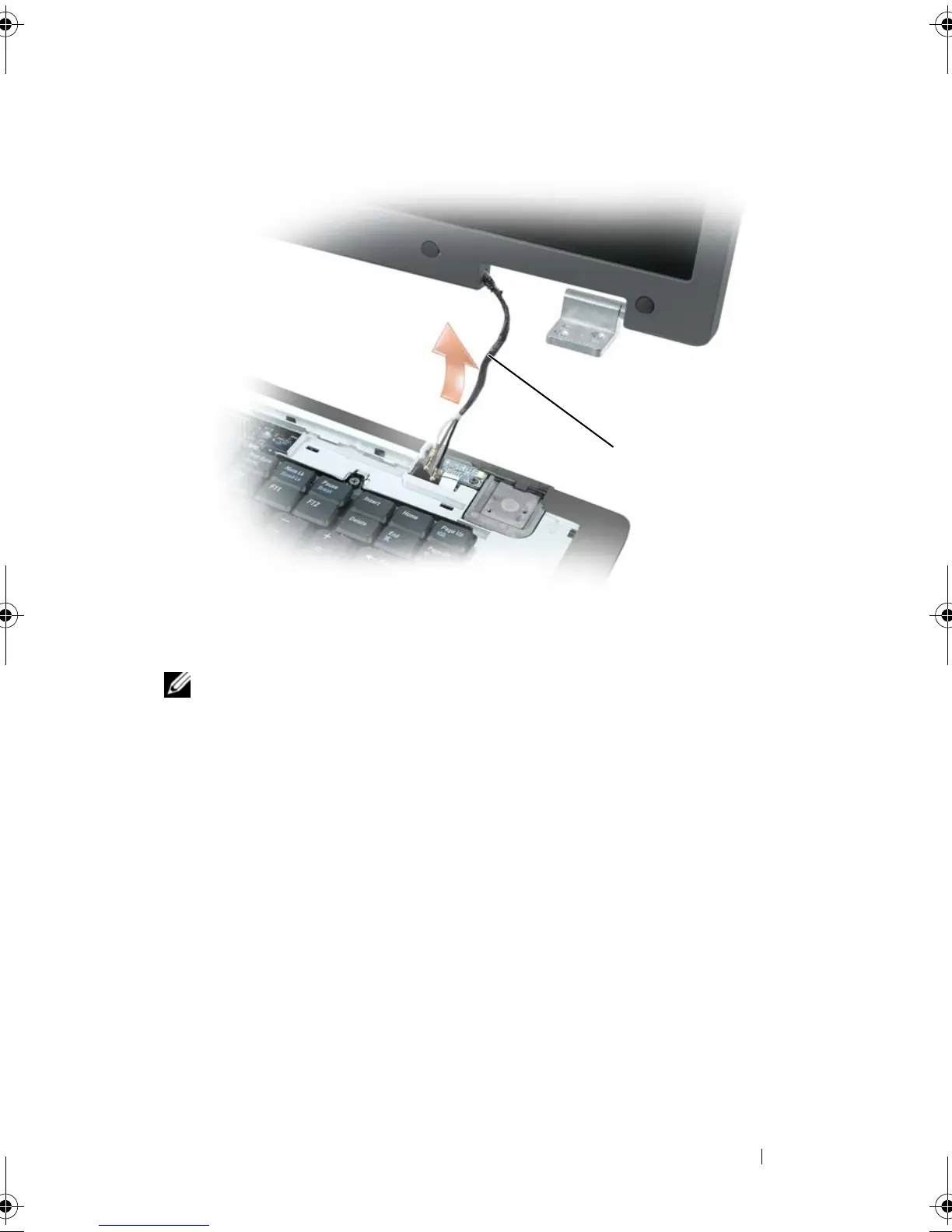
NOTE: When removing the display assembly, carefully unthread the mini-card
antenna cables through the computer base and ensure that the plastic
protectors—if present—remain on the individual cables.
8
Lift the display assembly away from the computer.
Replacing the Display Assembly
1
Thread the mini-card antenna cables back through the hole in the base of
the computer so that they are accessible from the bottom of the computer.
1 mini-card antenna cables
1
book.book Page 203 Tuesday, August 28, 2007 10:20 AM















 To Next Page