Adding and Replacing Parts 205
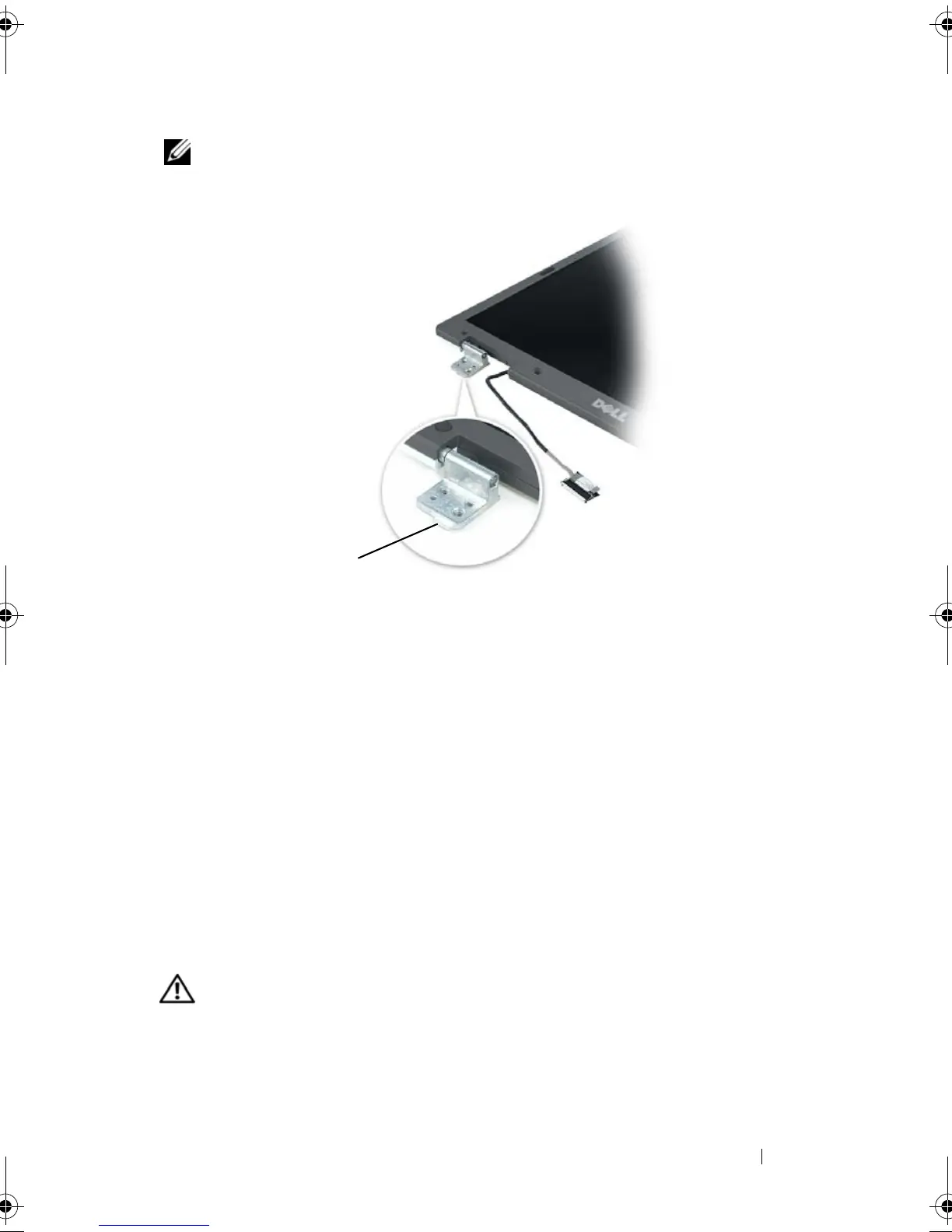
NOTE: The left hinge assembly has a small tab that you must first insert underneath
the edge of the palm rest.
3
Replace the four M2.5 x 5-mm screws.
4
Connect the display cable to the system board.
5
Reroute the display cable into the cable channel.
6
Replace the hinge cover (see "Replacing the Hinge Cover" on page 198).
7
If a mini-card is installed, connect the antenna cables to the card (see
"Mini Card" on page 191). If one is not installed, tuck the antenna cables
into their secured location.
8
Replace the mini-card cover.
Display Bezel
CAUTION: Only trained service technicians are authorized to
remove
or
replace
the component covered by the following procedure. See your
Product Information
Guide
for complete information about safety precautions, working inside the
computer, and protecting against electrostatic discharge.
1tab
1
book.book Page 205 Tuesday, August 28, 2007 10:20 AM















 To Next Page