Using a Battery 61
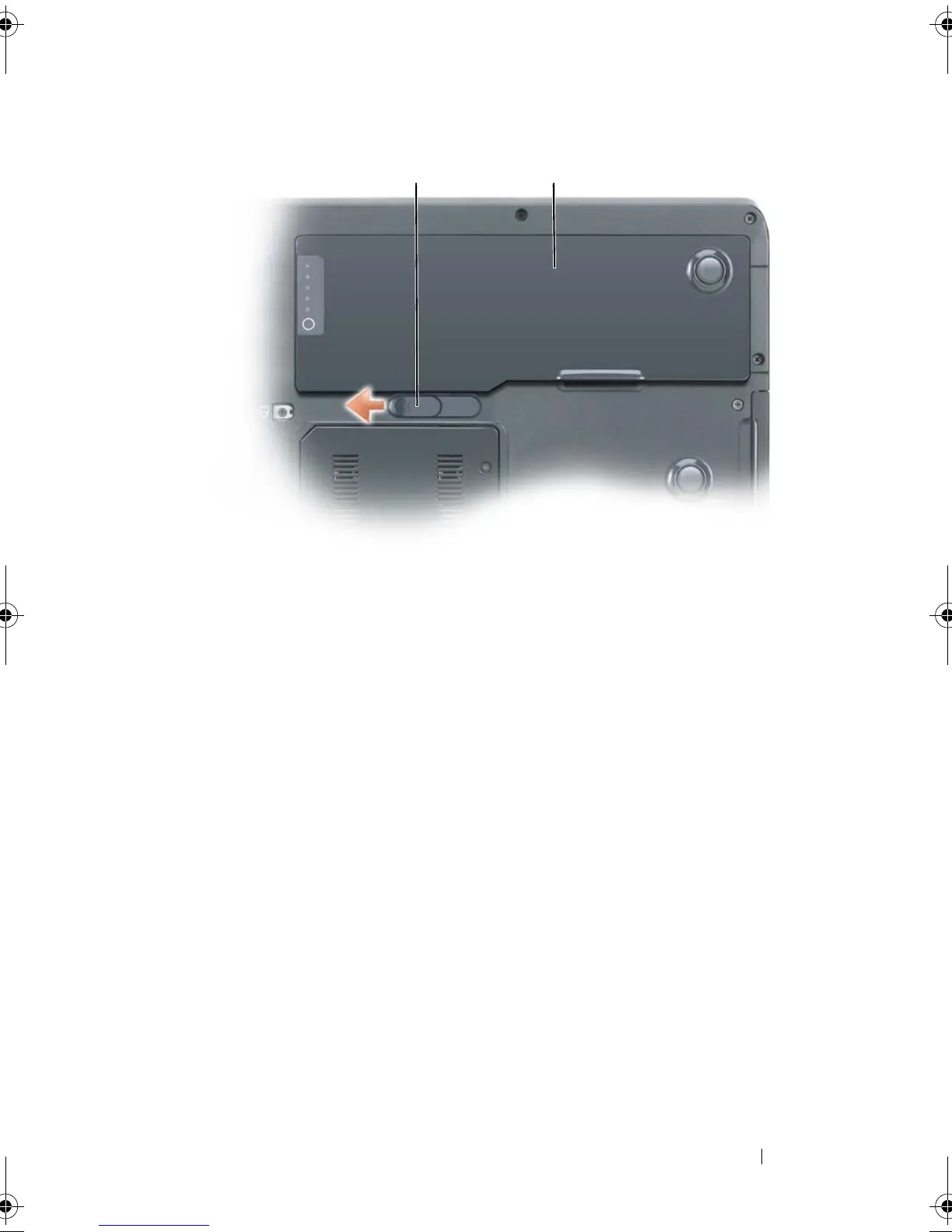
To replace the battery, follow the removal procedure in reverse order.
Storing a Battery
Remove the battery when you store your computer for an extended period of
time. A battery discharges during prolonged storage. After a long storage
period, recharge the battery fully before you use it. See "Charging the Battery"
on page 59.
1 battery-bay latch release 2 battery
1 2
book.book Page 61 Tuesday, August 28, 2007 10:20 AM















 To Next Page