Adding and Replacing Parts 187
Replacing the Memory Module(s)
NOTE: For optimal performance, identical memory modules should be used in each
connector.
1
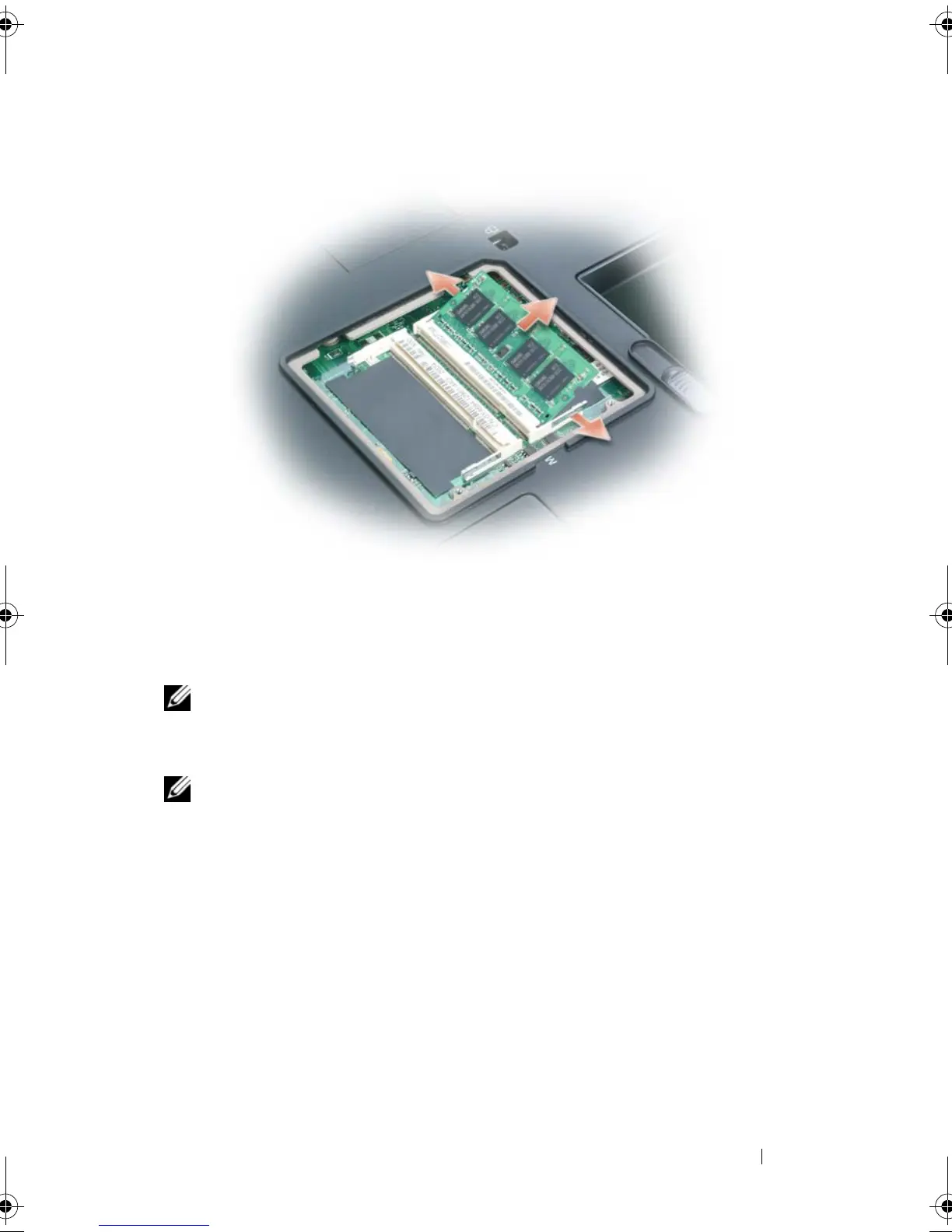
Ground yourself and install the new memory module:
NOTE: If a memory module is not installed properly, the computer may not boot
properly. No error message indicates this failure..
a
Align the notch in the module edge connector with the tab in the
connector slot.
b
Slide the module firmly into the slot at a 45-degree angle, and rotate
the module down until it clicks into place. If you do not feel the click,
remove the module and reinstall it.
1 memory module 2 securing clips (2)
book.book Page 187 Tuesday, August 28, 2007 10:20 AM















 To Next Page