Using Cards 125
The computer recognizes the ExpressCard and automatically loads the
appropriate device driver. If the configuration program tells you to load the
manufacturer's drivers, use the floppy disk or CD that came with the
ExpressCard.
Removing an ExpressCard or Blank
CAUTION: Before you begin any of the procedures in this section, follow the
safety instructions in the
Product Information Guide
.
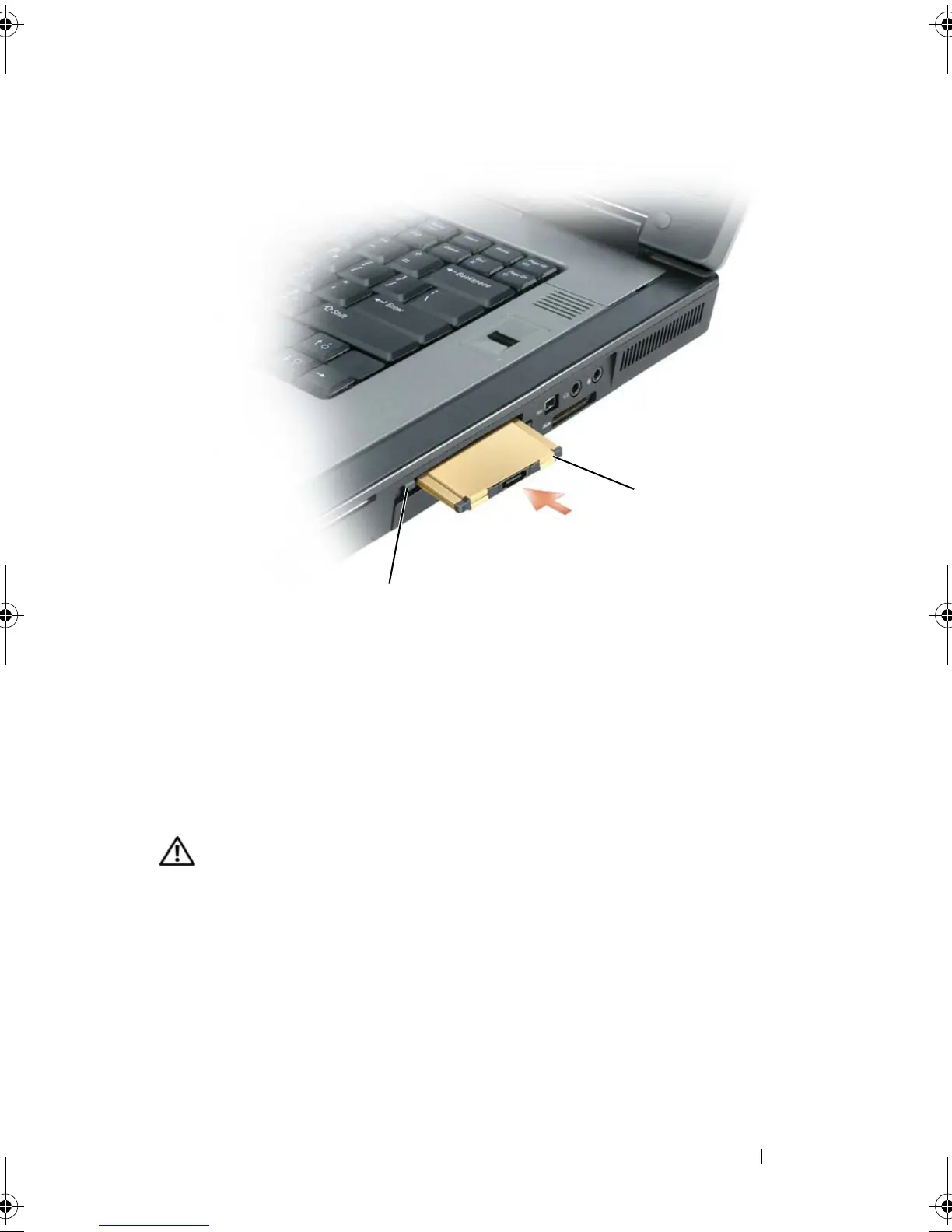
Press the latch and remove the card or blank. For some latches, you must press
the latch twice: once to pop the latch out, and then a second time to pop the
card out.
Save a blank to use when no ExpressCard is installed in a slot. Blanks protect
unused slots from dust and other particles.
1 release button 2 ExpressCard
2
1
book.book Page 125 Tuesday, August 28, 2007 10:20 AM















 To Next Page