Using Cards 127
Installing a Smart Card
You can install a smart card in the computer while the computer is running.
The computer automatically detects the card.
To install a smart card:
1
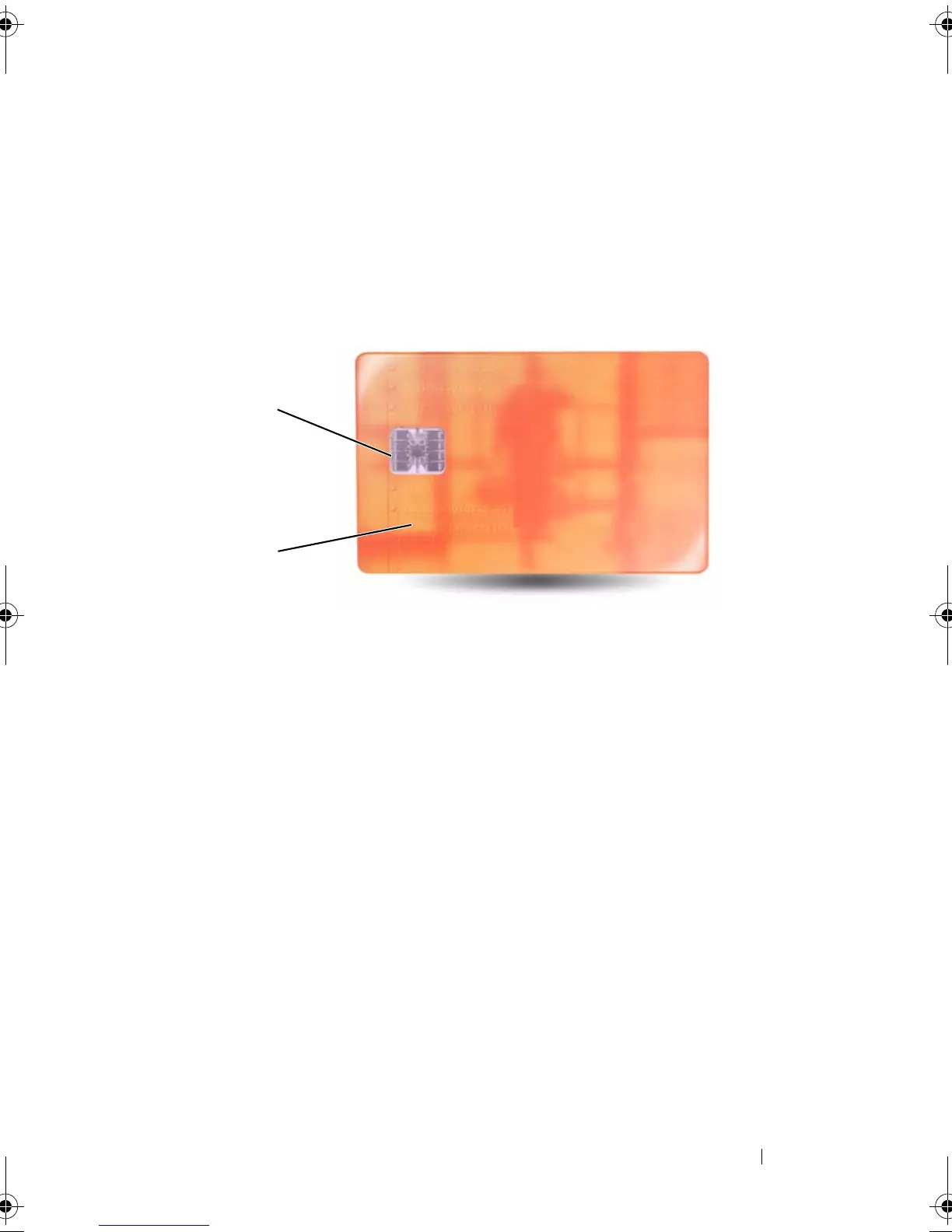
Hold the card so that the gold contact pad is facing upward and pointing
toward the smart card slot.
2
Slide the smart card into the smart card slot until the card is completely
seated in its connector. The smart card will protrude approximately 1/2
inch from the slot.
If you encounter too much resistance, do not force the card. Check the
card orientation and try again.
1 gold contact pad 2 smart card (top)
1
2
book.book Page 127 Tuesday, August 28, 2007 10:20 AM















 To Next Page