34 About Your Computer
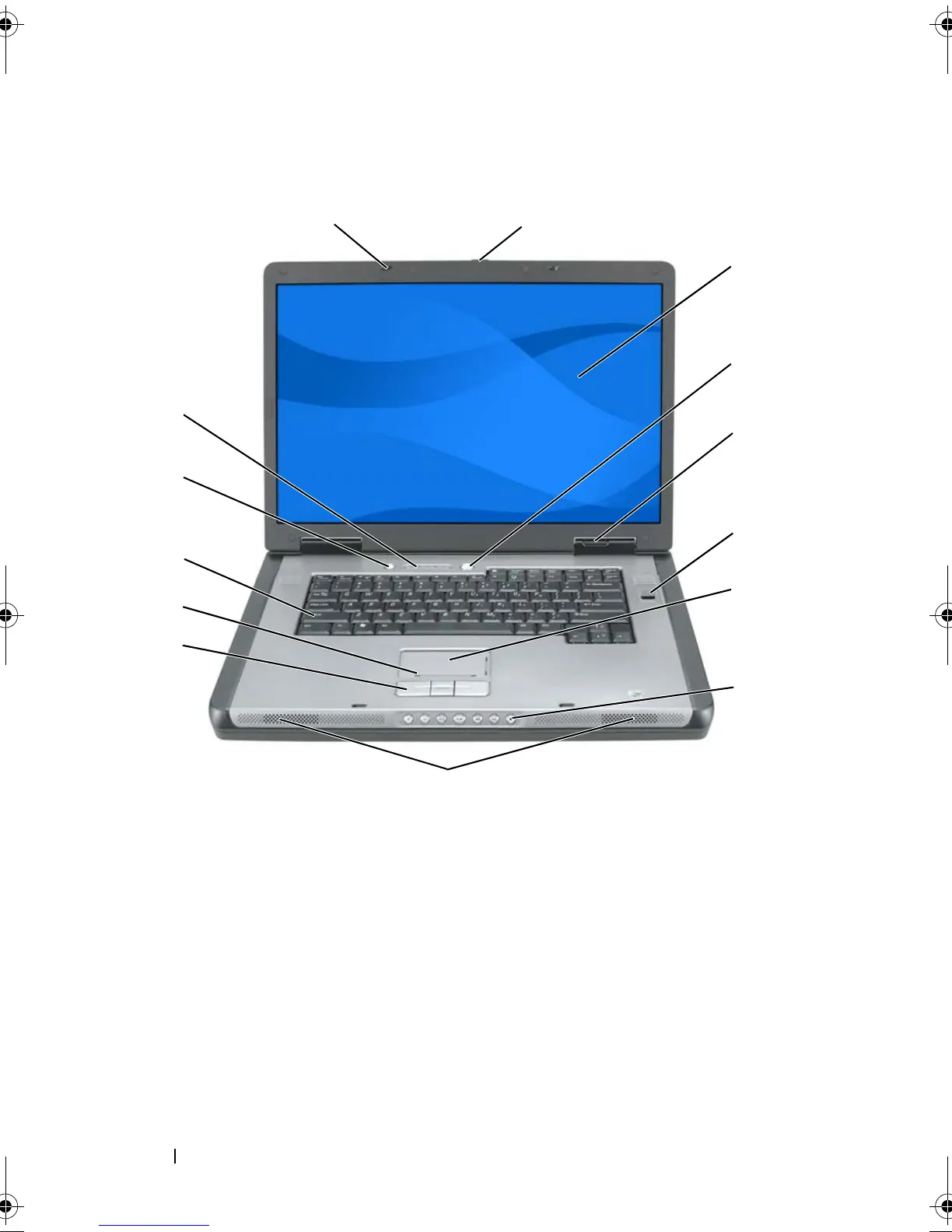
Front View
DISPLAY LATCHES — Keep the display closed.
1 display latches (2) 2 display latch release
3 display 4 power button
5 device status lights 6 biometric reader (optional)
7 touch pad 8 media control buttons
9 speakers (2) 10 touch pad buttons
11 touch-pad scroll zone 12 keyboard
13 battery conservation button 14 keyboard and wireless status lights
2
12
3
7
10
4
9
14
5
8
1
13
11
6
book.book Page 34 Tuesday, August 28, 2007 10:20 AM















 To Next Page