About Your Computer 35
DISPLAY LATCH RELEASE — Slide to release the display latches and open the display.
DISPLAY — For more information about your display, see "Using the Display" on
page 81.
POWER BUTTON — Press to turn on the computer or to enter or exit a power
management mode. For more information on power management modes, see "Power
Management Modes" on page 57.
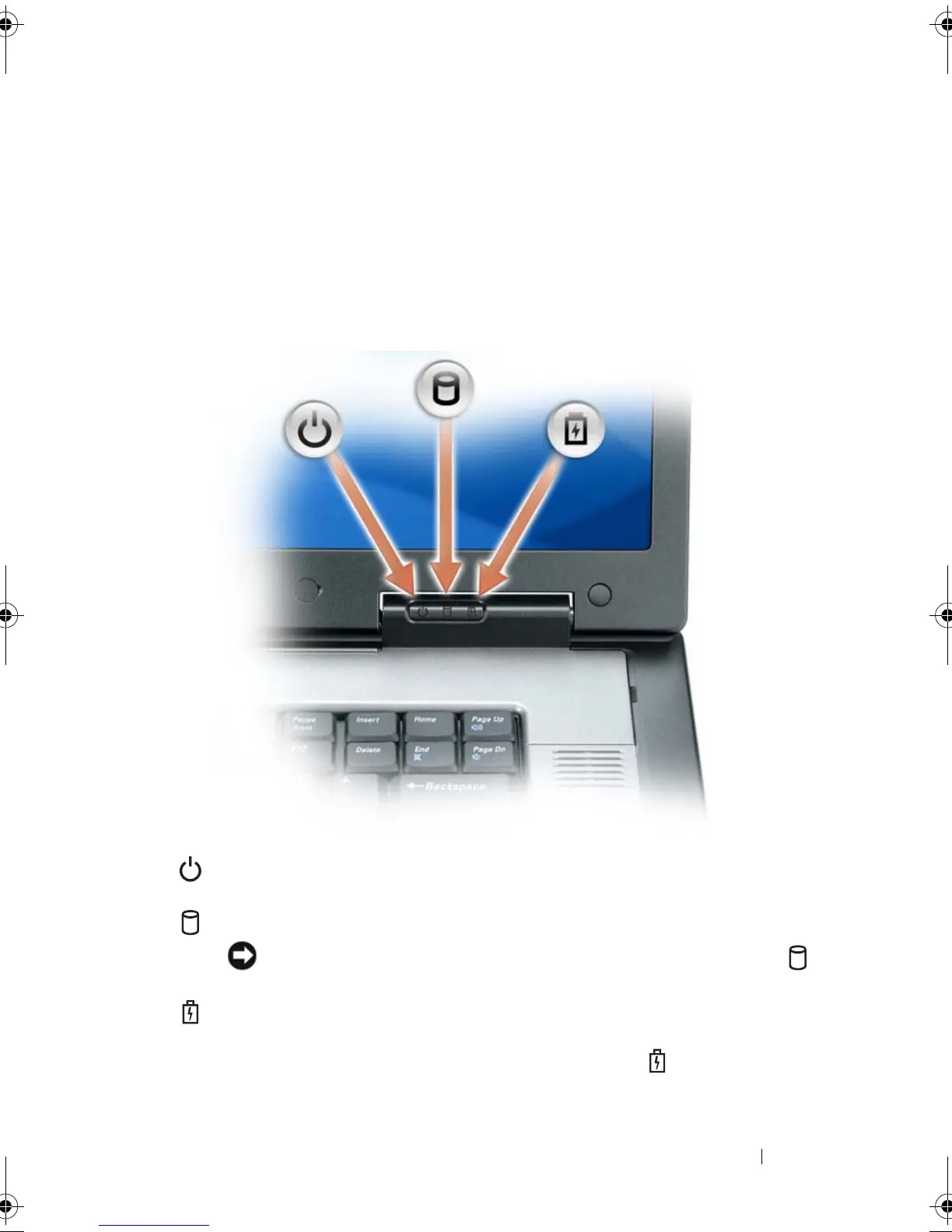
DEVICE STATUS LIGHTS
If the computer is connected to an electrical outlet, the light operates as
follows:
Turns on when you turn on the computer, and blinks when the computer is in
a power management mode.
Turns on when the computer reads or writes data.
NOTICE: To avoid loss of data, never turn off the computer while the
light is flashing.
Turns on steadily or blinks to indicate battery charge status.
book.book Page 35 Tuesday, August 28, 2007 10:20 AM















 To Next Page