Adding and Replacing Parts 209
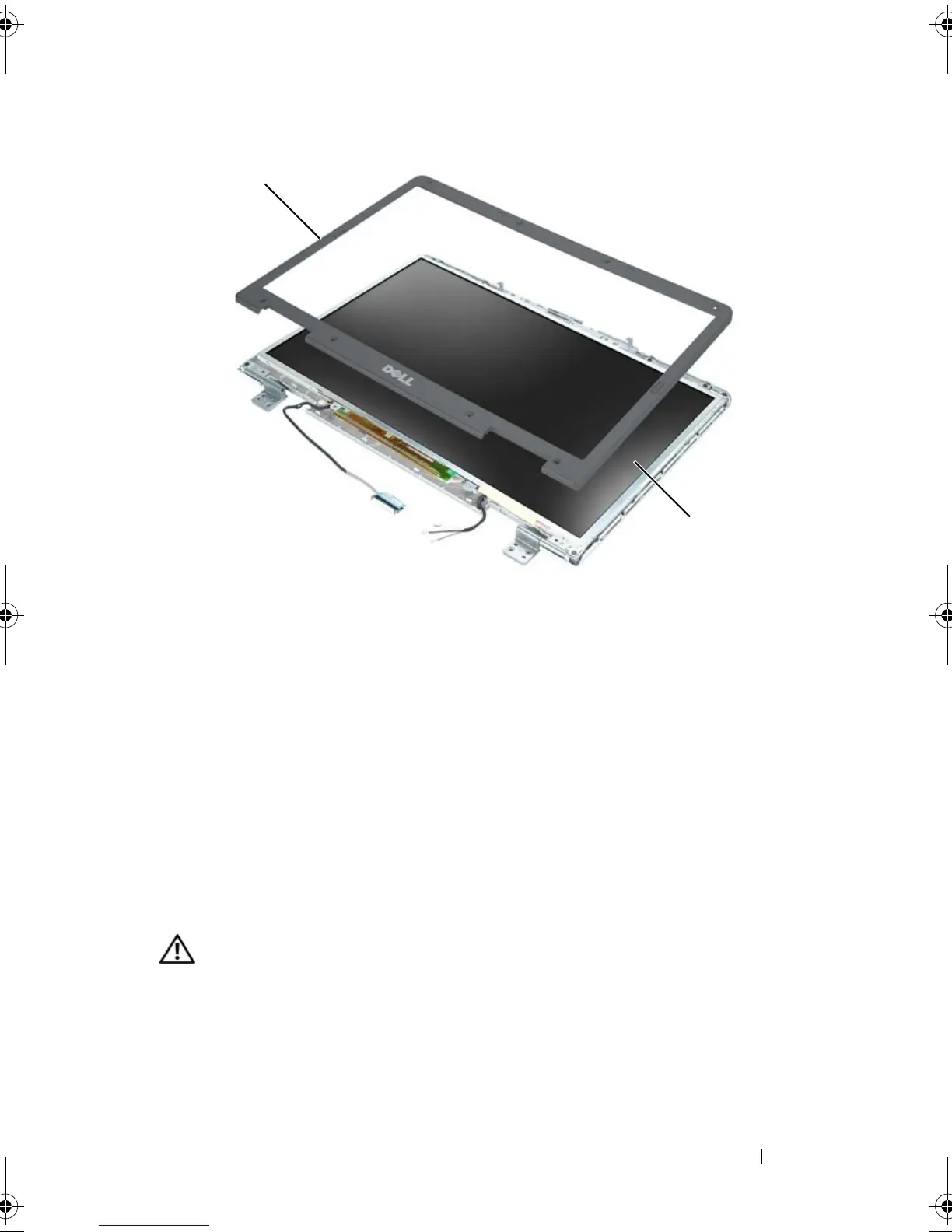
Replacing the Display Bezel
1
Starting at any corner, use your fingers to gently snap the bezel into place
to secure it to the display panel.
2
Replace the four M2.5 x 5-mm screws on the corners of the bezel.
3
Replace the four shoulder screws and two screw covers.
4
Replace the six rubber screw-cover/display bumpers around the bezel.
Display Panel
CAUTION: Only trained service technicians are authorized to
remove
or
replace
the component covered by the following procedure. See your
Product Information
Guide
for complete information about safety precautions, working inside the
computer, and protecting against electrostatic discharge.
1 display bezel 2 display panel
1
2
book.book Page 209 Tuesday, August 28, 2007 10:20 AM















 To Next Page