Adding and Replacing Parts 189
Modem
Removing the Modem
If you ordered the optional modem at the same time you ordered your
computer, the modem is already installed.
CAUTION: Before you begin the following procedure, follow the safety
instructions in the
Product Information Guide
.
1
Follow the procedures in "Before Working Inside Your Computer" on
page 180.
2
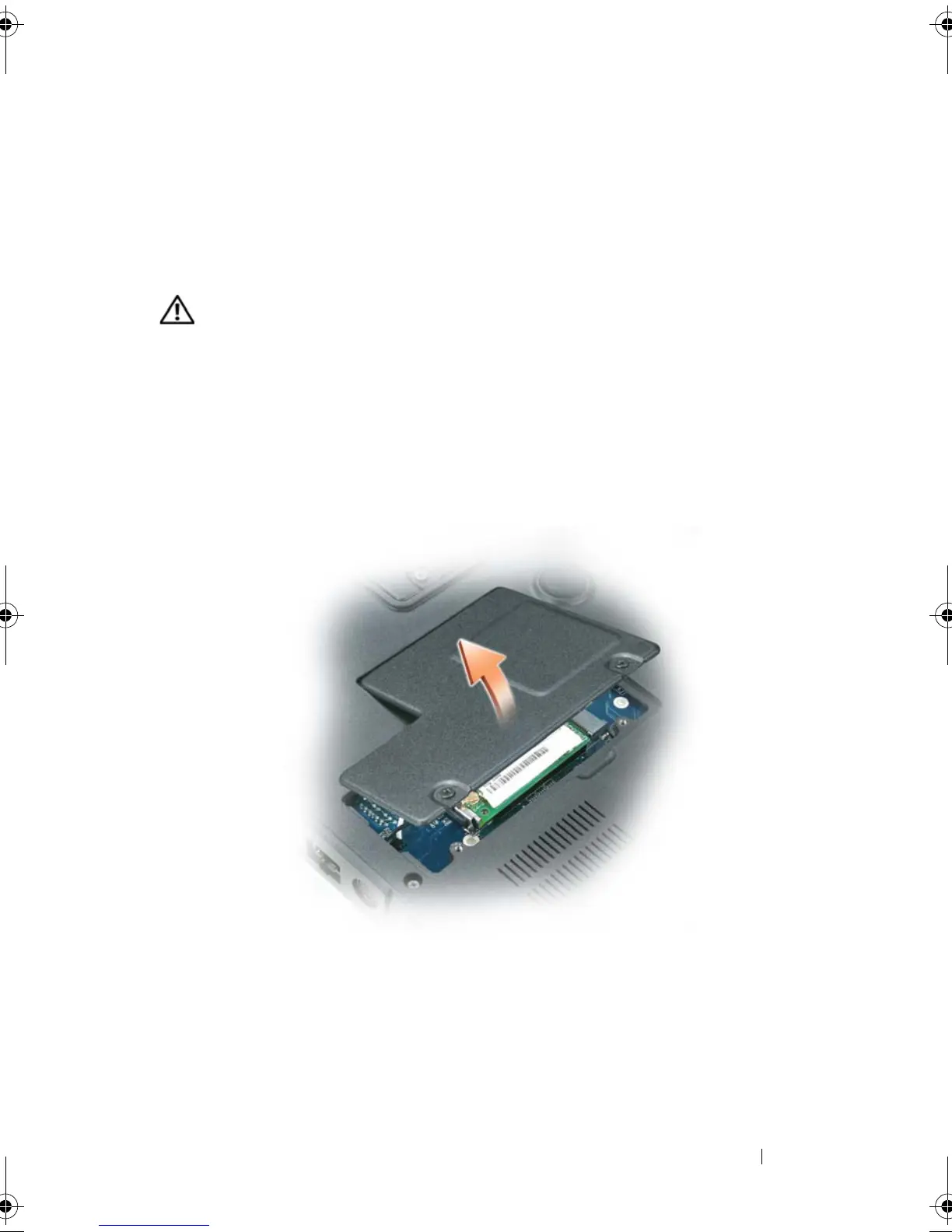
Turn the computer over, and loosen the two captive screws on the modem
cover.
3
Remove the cover from the computer.
4
If a modem is not already installed, go to
step 5
. If you are replacing a
modem, remove the existing modem:
a
Remove the screws securing the modem to the system board, and set
them aside.
b
Pull straight up on the attached pull-tab to lift the modem out of its
connector on the system board, and disconnect the modem cable.
book.book Page 189 Tuesday, August 28, 2007 10:20 AM















 To Next Page