188 Adding and Replacing Parts
.
2
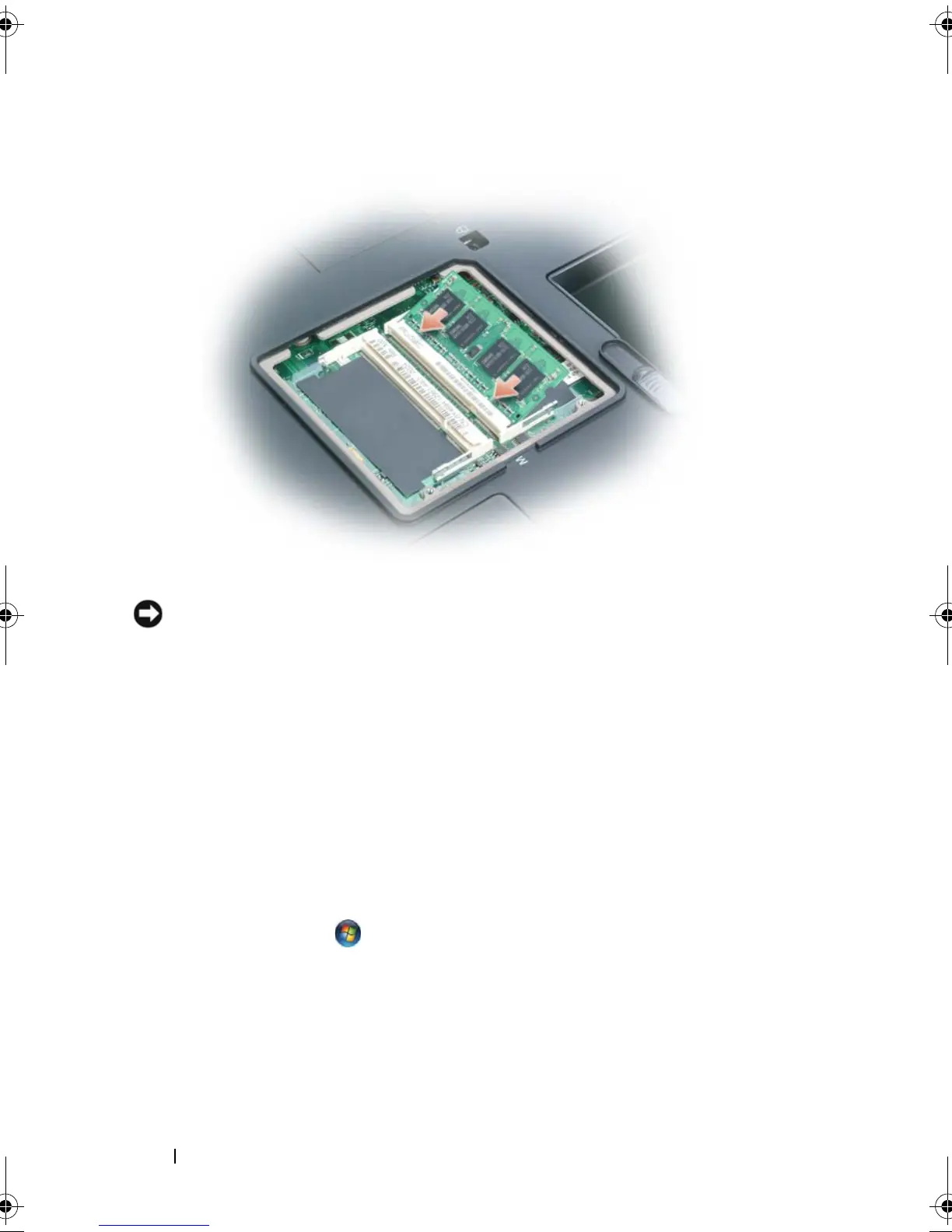
Replace the memory module cover and tighten the captive screws.
NOTICE: If the memory module cover is difficult to close, remove the module and
reinstall it. Forcing the cover to close may damage your computer.
3
Insert the battery into the battery bay, or connect the AC adapter to your
computer and an electrical outlet.
4
Turn on the computer.
As the computer boots, it detects the additional memory and automatically
updates the system configuration information.
To confirm the amount of memory installed in the computer:
•In the
Microsoft
®
Windows
®
XP
operating system, right-click the
My
Computer
icon on your desktop. Click
Properties
→
General
.
•In the
Microsoft Windows Vista
™ operating system, click the Windows
Vista Start button, , and right-click
Computer
→
Properties
.
book.book Page 188 Tuesday, August 28, 2007 10:20 AM















 To Next Page