242 Adding and Replacing Parts
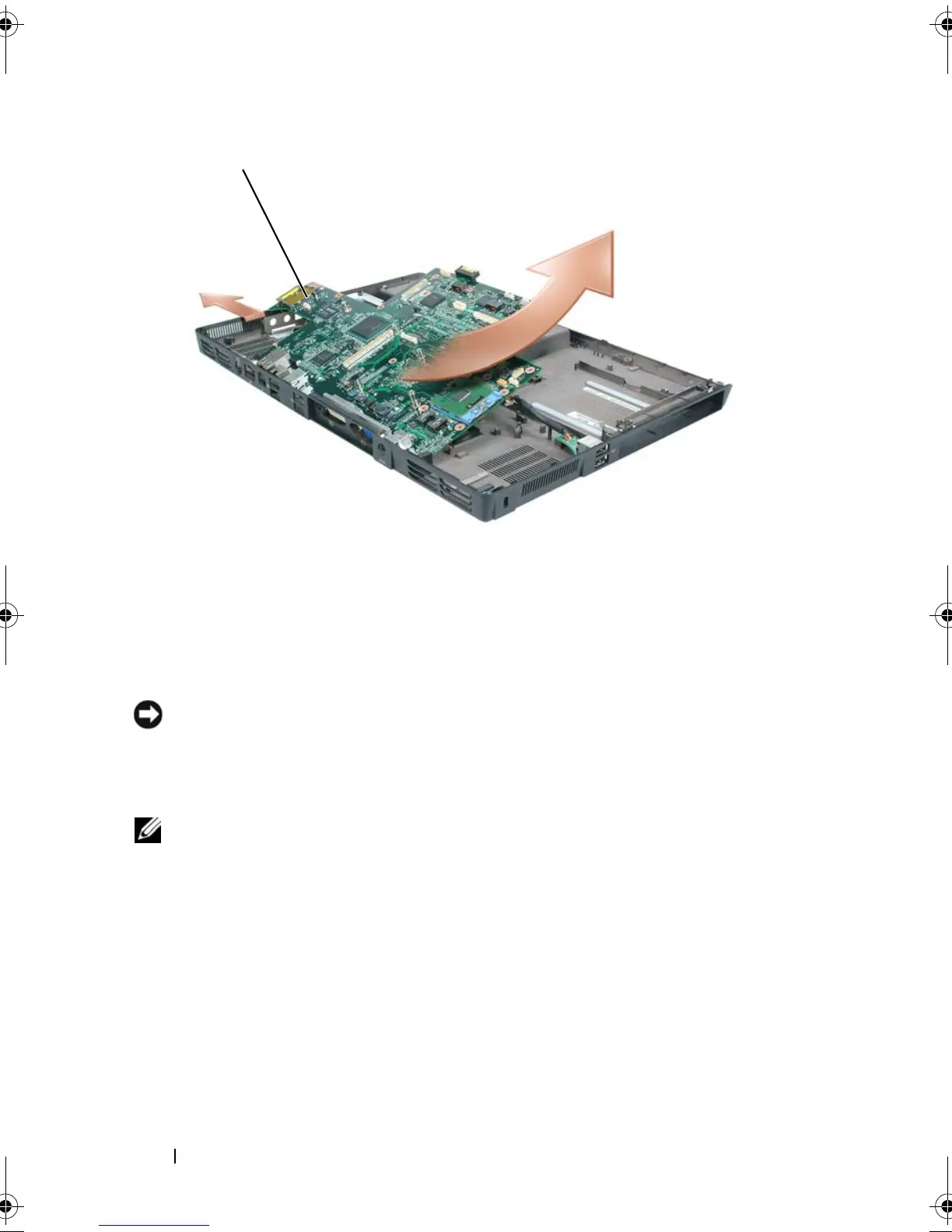
Replacing the System Board
1
Perform all of the steps in "Removing the System Board" on page 236 in
reverse order.
NOTICE: Before turning on the computer, replace all screws and ensure that no
stray screws remain inside the computer. Failure to do so may result in damage to
the computer.
2
Turn on the computer.
NOTE: If you use a BIOS update program CD to flash the BIOS, press <F12> before
inserting the CD so that you can set up the computer to boot from a CD this one time
only. Otherwise, you must enter the system setup program to change the default
boot order.
3
Insert the flash BIOS update program CD that accompanied the
replacement system board into the optical drive. Follow the instructions
that appear on the screen. See "Flashing the BIOS" on page 247 for further
information.
4
Enter the system setup program to update the BIOS on the new system
board with the computer Service Tag.
1 system board assembly
book.book Page 242 Tuesday, August 28, 2007 10:20 AM















 To Next Page