208 Adding and Replacing Parts
7
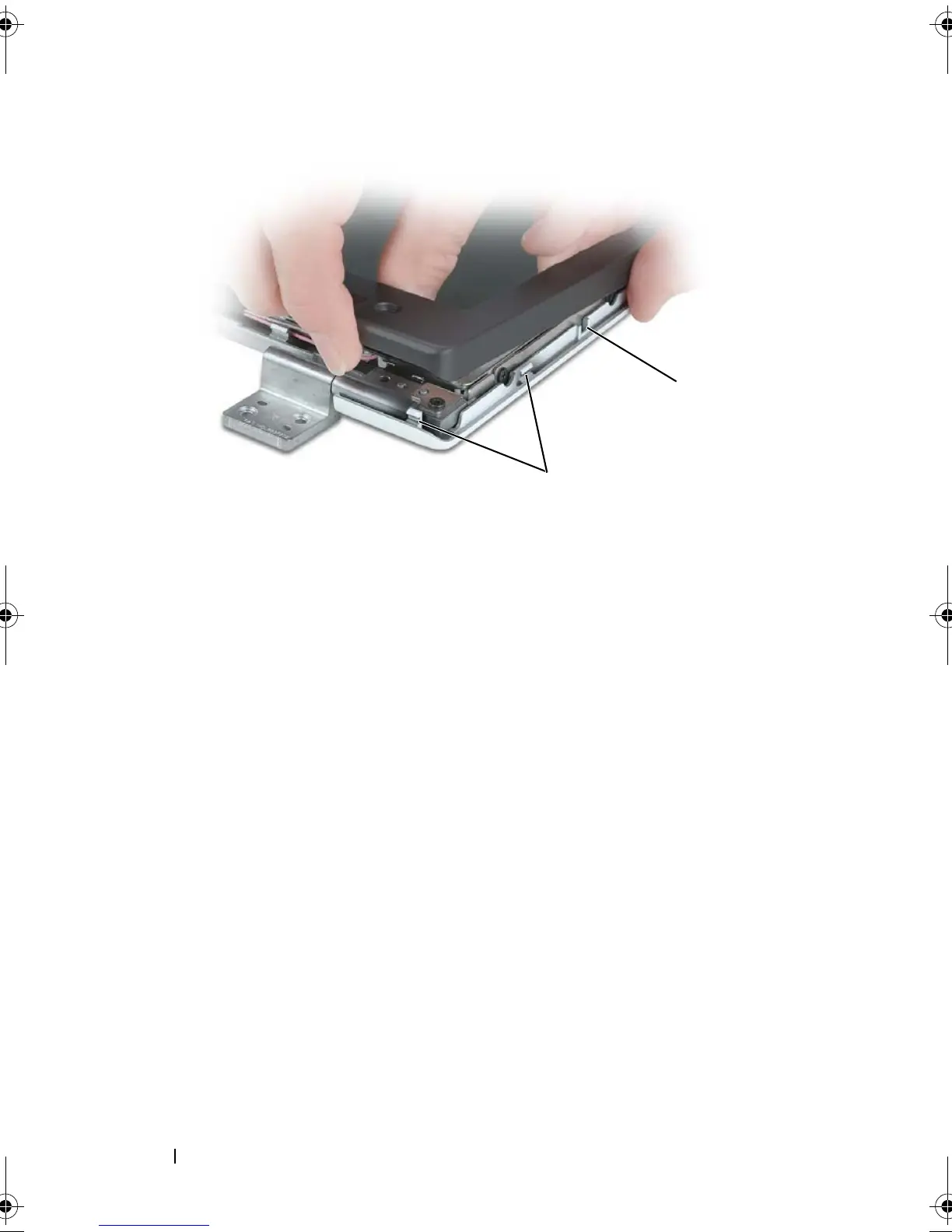
Repeat step 6 for the lower-left corner of the bezel. Then use your fingers
to release the snaps around the rest of the bezel and lift it away from the
display panel.
1 display back cover 2 tabs
1
2
book.book Page 208 Tuesday, August 28, 2007 10:20 AM















 To Next Page