Adding and Replacing Parts 181
1
Ensure that the work surface is flat and clean to prevent the computer
cover from being scratched.
2
Turn off your computer (see "Turning Off Your Computer" on page 179).
3
If the computer is connected to a docking device (docked), undock it. See
the documentation that came with your docking device for instructions.
NOTICE: To disconnect a network cable, first unplug the cable from your computer
and then unplug the cable from the network device.
4
Disconnect all telephone or network cables from the computer.
NOTICE: To avoid damaging the system board, you must remove the main battery
before you service the computer.
5
Disconnect your computer and all attached devices from their electrical
outlets.
6
Close the display and turn the computer over on a flat work surface.
7
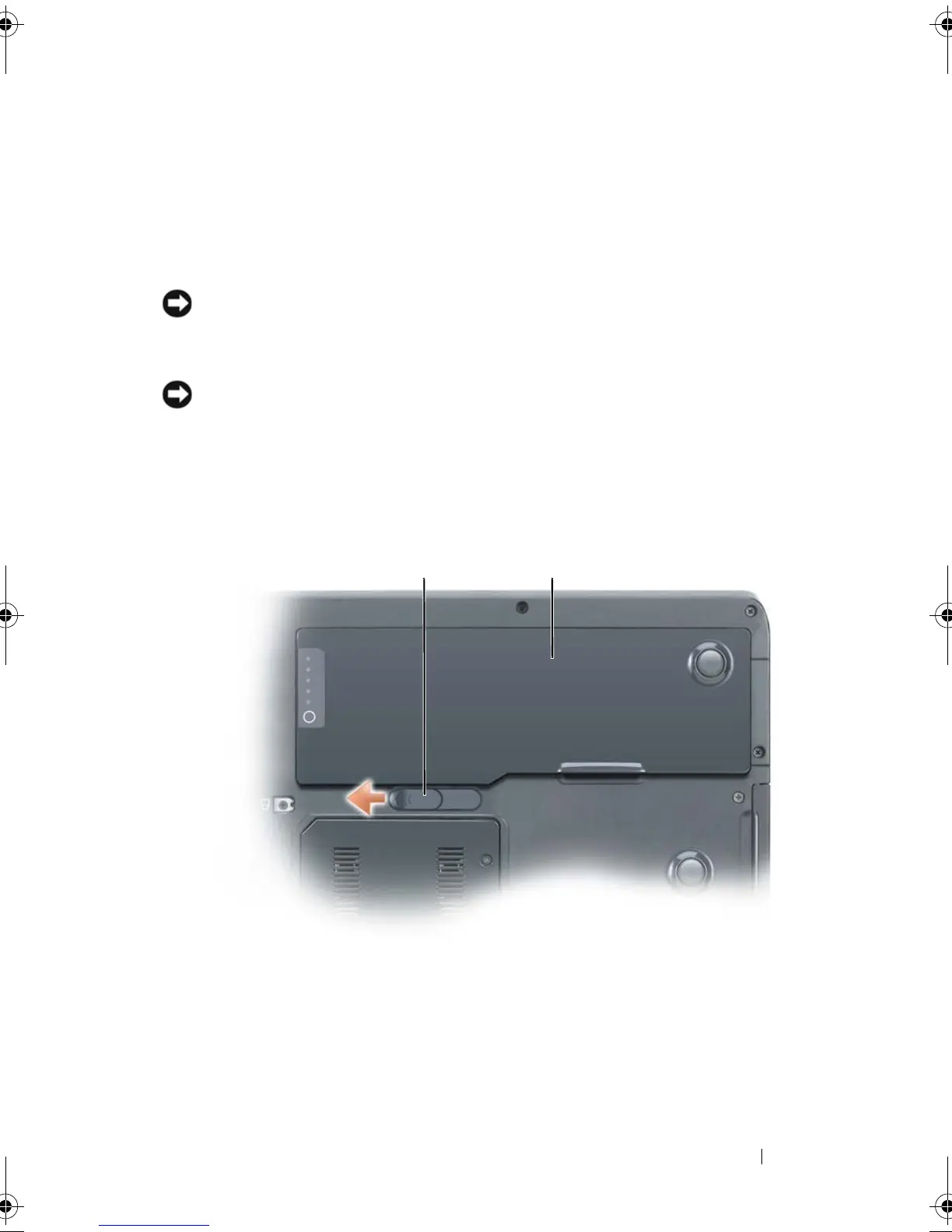
Remove the main battery:
a
Slide the battery-bay latch release on the bottom of the computer.
1 battery-bay latch release 2 main battery
12
book.book Page 181 Tuesday, August 28, 2007 10:20 AM















 To Next Page