Adding and Replacing Parts 201
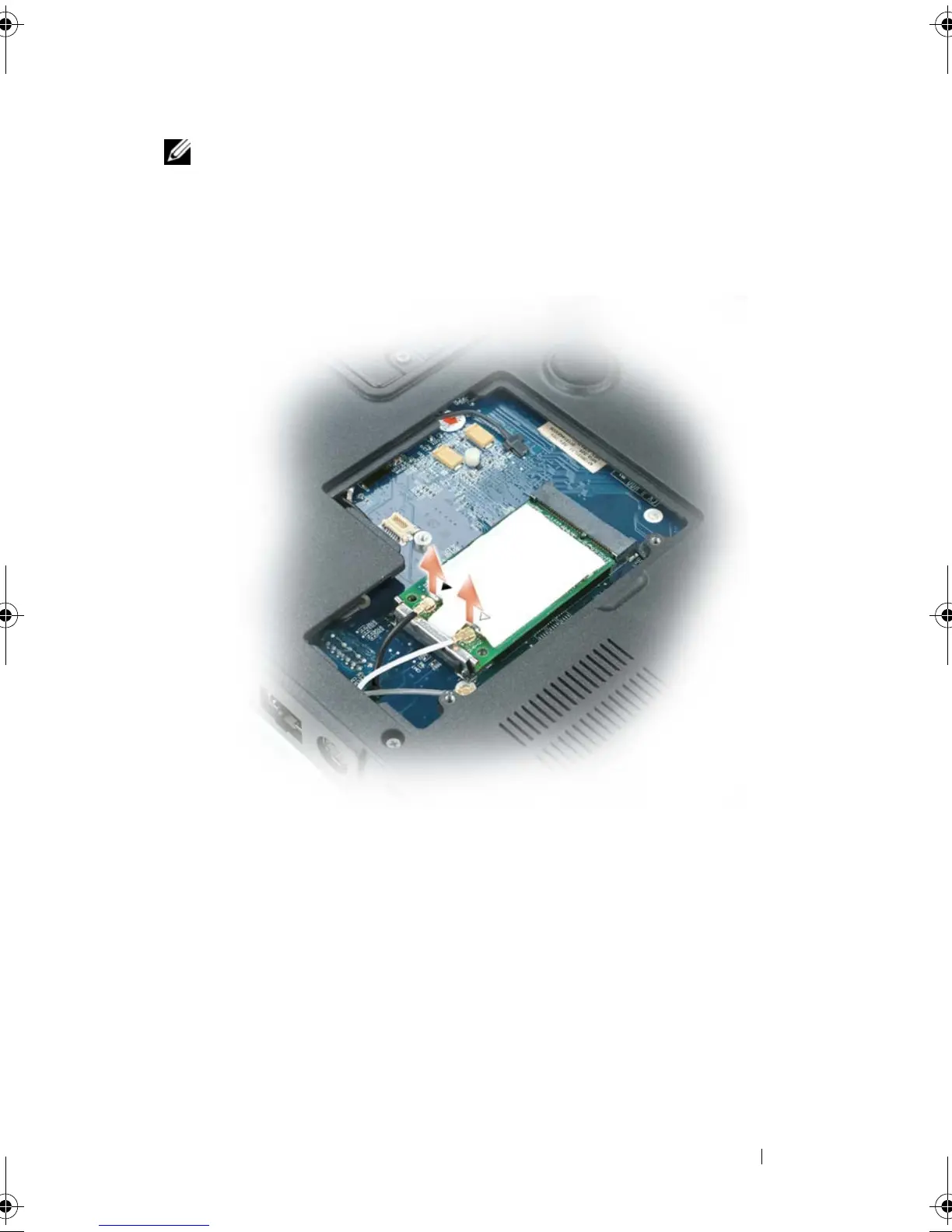
NOTE: You must detach the mini-card antennas (see step 3) before you can remove
the display assembly. If a mini-card is installed, disconnect the antenna cables from
the card. If one is not installed, detach the antenna cables from their secured
location.
3
Disconnect the antenna cables from the mini-card, if applicable.
4
Turn the computer top-side up.
5
Remove the hinge cover (see "Removing the Hinge Cover" on page 197).
6
Use the pull-tab to disconnect the display cable from the system board,
and then lift up and disengage the display cable from the cable channel.
7
Remove the four M2.5 x 5-mm screws (two on each side) that connect the
display to the computer base.
book.book Page 201 Tuesday, August 28, 2007 10:20 AM















 To Next Page