234 Adding and Replacing Parts
NOTICE: To avoid electrostatic discharge, ground yourself by using a wrist
grounding strap or by periodically touching an unpainted metal surface (such as the
back panel) on the computer.
NOTICE: To help prevent damage to the system board, remove the main battery
(see "Before Working Inside Your Computer" on page 180) before working inside the
computer.
1
Follow the instructions in "Before Working Inside Your Computer" on
page 180.
2
Remove the hard drive (see "Removing the Hard Drive" on page 183).
3
Remove the optical drive (see "Optical Drive" on page 182).
4
Remove the hinge cover (see "Removing the Hinge Cover" on page 197).
5
Remove the keyboard (see "Keyboard" on page 198).
6
Remove the display assembly (see "Replacing the Display Assembly" on
page 203).
7
Remove the palm rest (see "Removing the Palm Rest" on page 217).
8
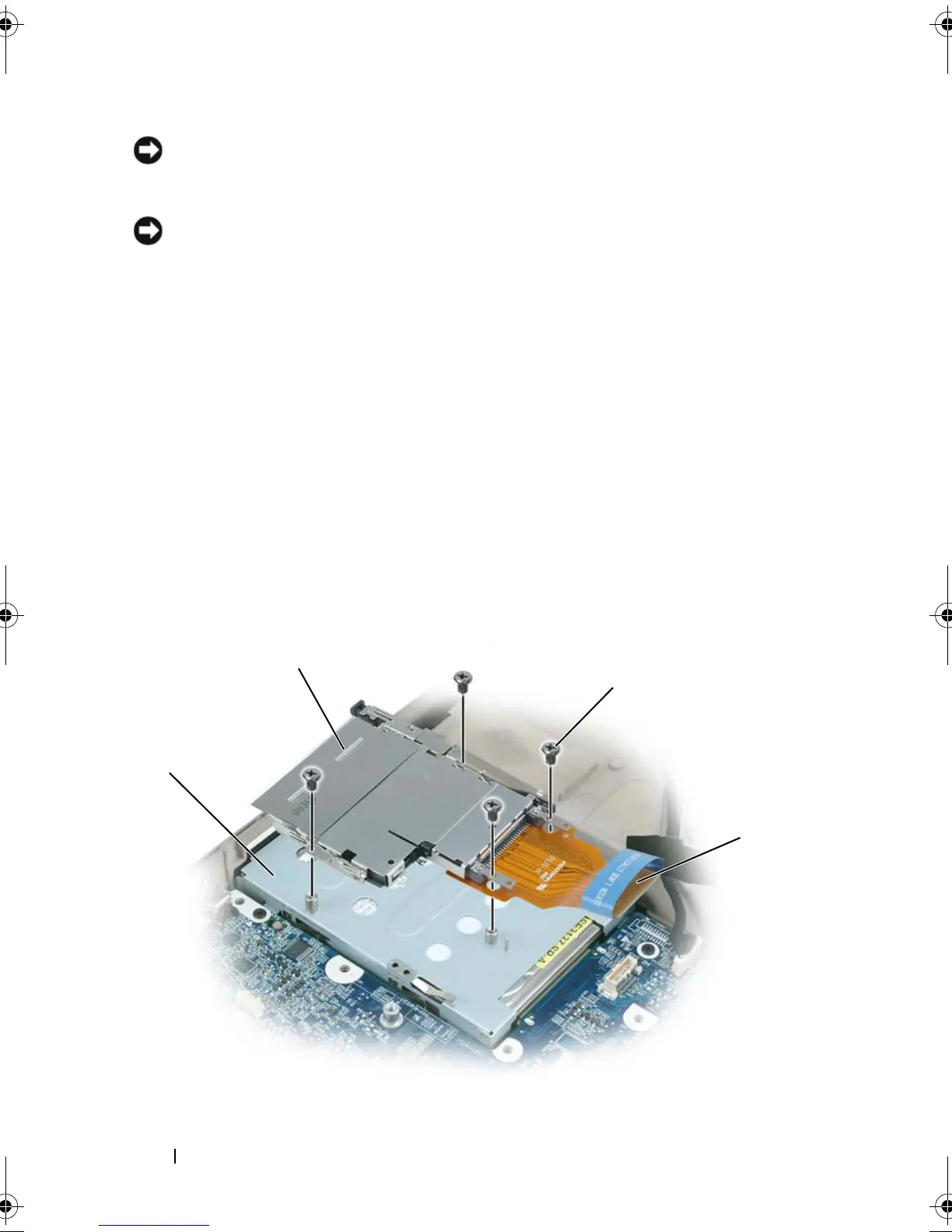
Disconnect the ExpressCard connector from the system board.
2
3
4
1
book.book Page 234 Tuesday, August 28, 2007 10:20 AM















 To Next Page