244 Adding and Replacing Parts
8
Remove the screw in the battery latch assembly.
When you remove the screw, the battery latch release on the bottom of the
computer will also be removed.
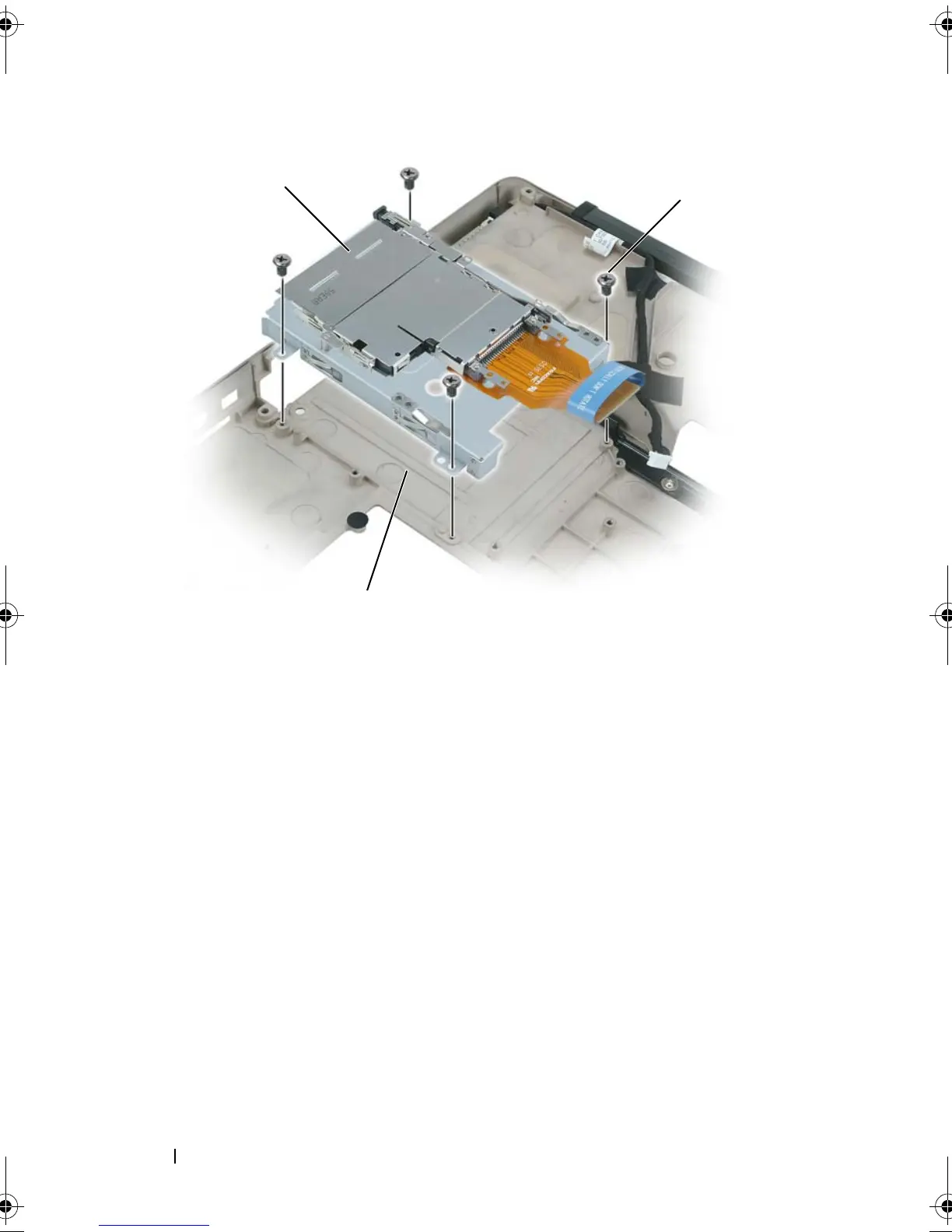
1 ExpressCard cage 2 M2.5 x 5-mm screws (4)
3 hard drive bay
1
2
3
book.book Page 244 Tuesday, August 28, 2007 10:20 AM















 To Next Page