42 About Your Computer
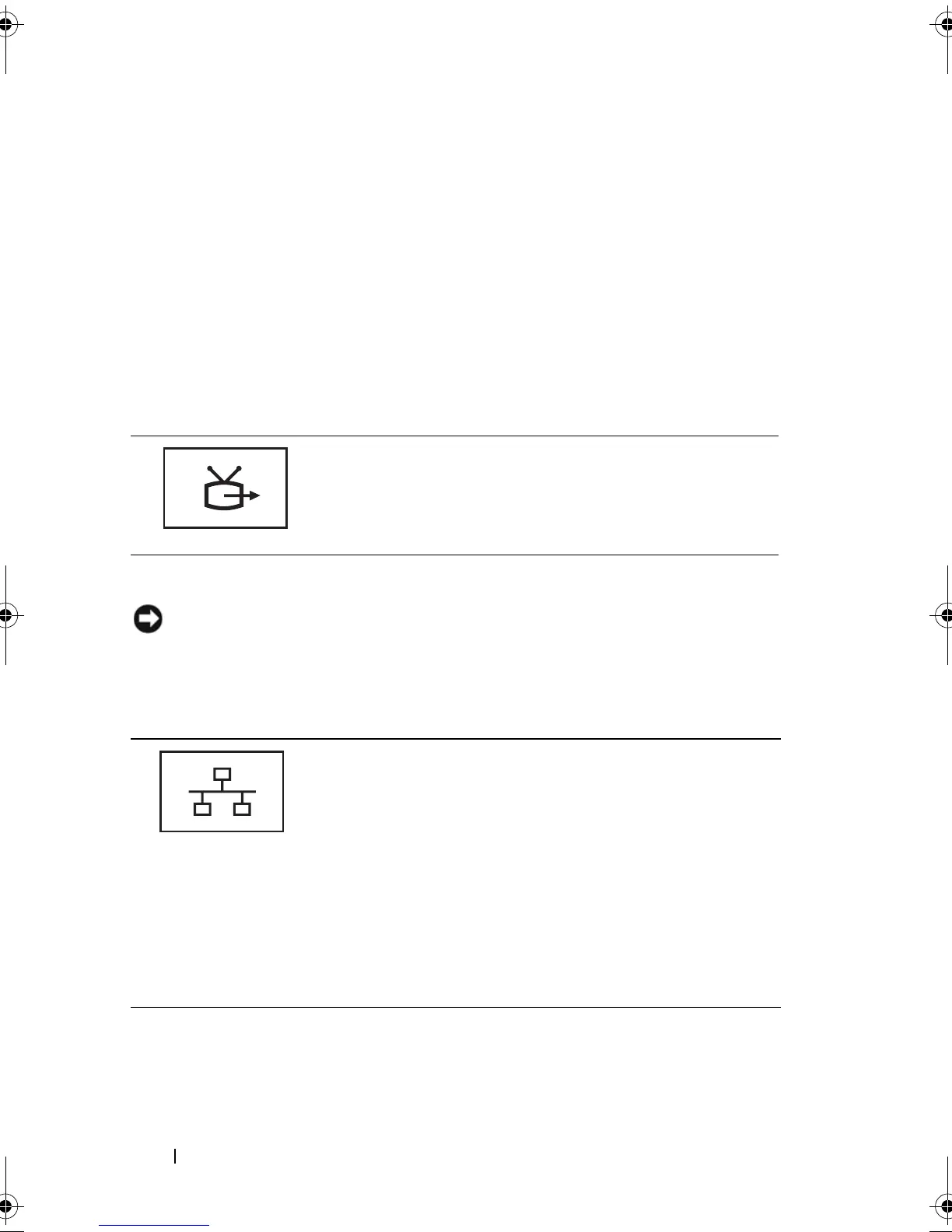
S-VIDEO TV-OUT CONNECTOR
NETWORK CONNECTOR (RJ-45)
NOTICE: The network connector is slightly larger than the modem connector. To
avoid damaging the computer, do not plug a telephone line into the network
connector.
1 air vent 2 S-video TV-out connector
3 network (RJ-45) connector 4 modem (RJ-11) connector
5 USB connectors (2) 6 USB connectors (2)
7 Digital-Video Interface (DVI)
connector
8 video (VGA) connector
9 AC adapter connector 10 air vent
Connects your computer to a TV. Also connects digital
audio capable devices using the TV/digital audio
adapter cable.
Connects the computer to a network. The solid light on the
connector provides link status information. Off indicates no
link, green indicates a 10-Mb/sec link, orange indicates a
100-Mb/sec link, and yellow indicates a 1000-Mb/sec link.
The blinking yellow light on the connector indicates activity
on the wired network connection.
For information on using the network adapter, see the
network adapter documentation supplied with your
computer under the Windows Help and Support Center. To
access the Help and Support Center, see "Windows Help
and Support Center" on page 20.
book.book Page 42 Tuesday, August 28, 2007 10:20 AM















 To Next Page