86 Using Multimedia
3
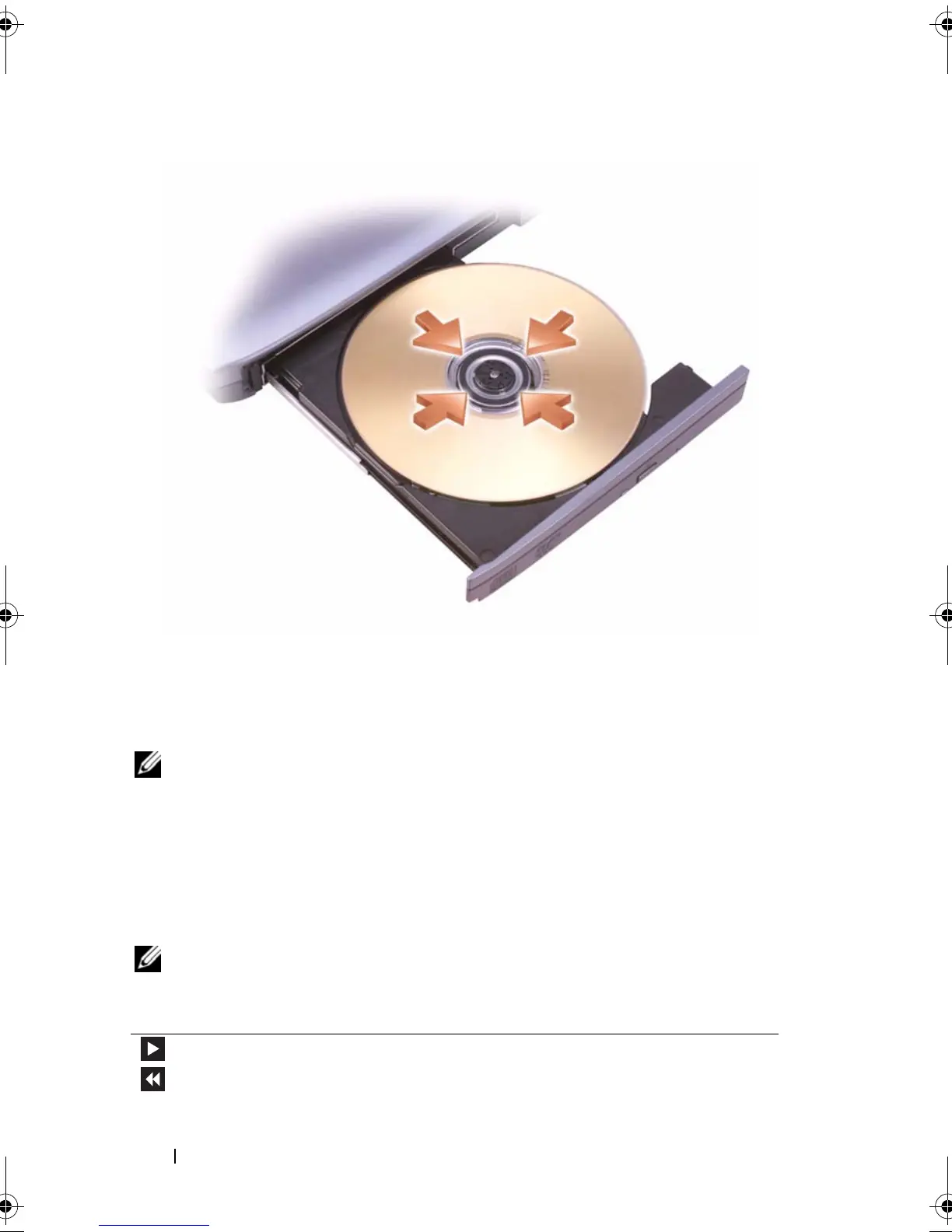
Place the disc, label side up, in the center of the tray and snap the disc
onto the spindle.
NOTE: If you use a module that shipped with another computer, you need to install
the drivers and software necessary to play DVDs or write data. For more
information, see the Drivers and Utilities CD (the CD is optional and may not be
available for your computer or in certain countries).
4
Push the tray back into the drive.
To format CDs for storing data, to create music CDs, or to copy CDs, see the
CD software that came with your computer.
NOTE: Ensure that you follow all copyright laws when you create CDs.
A CD player includes the following basic buttons:
Play.
Move backward within the current track.
book.book Page 86 Tuesday, August 28, 2007 10:20 AM















 To Next Page