5
Making copies
5-6 ineo 163/213
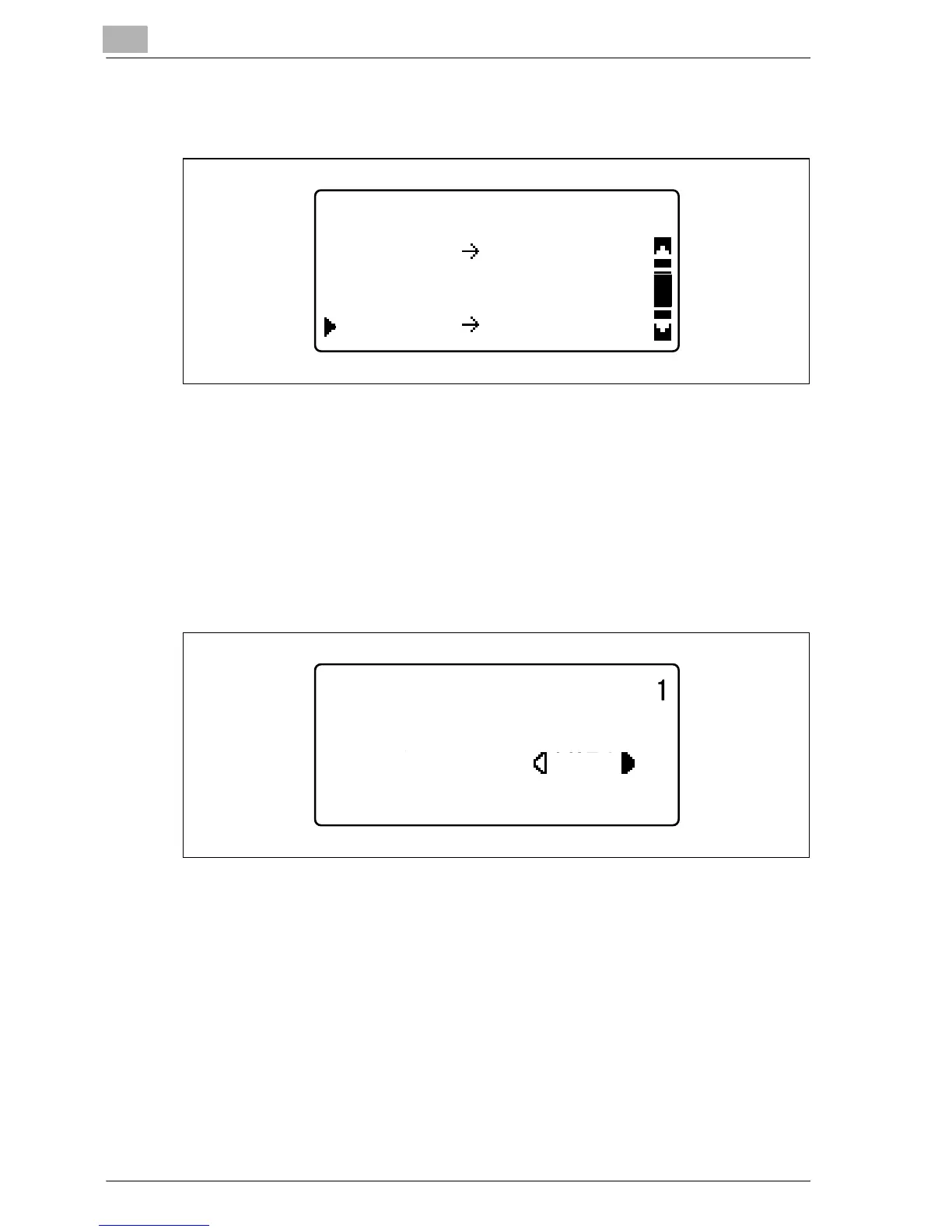
4 Press the [+] or [,] key until "115% B4 % A3" is selected, and then
press the [OK] key.
The main screen appears again.
5 Check the setting for the size of paper to be copied on.
– If "AUTO" appears in the first line, check that A3-size paper is
loaded in the paper drawer.
– If "AUTO" does not appear in the first line, press the [Paper] key,
and then select a paper drawer loaded with A3-size paper.
– To change the paper size setting selected for a paper drawer, refer
to page 5-13.
6 If necessary, specify any other copy settings.
– Refer to "Before making copies" on page 4-3.
– Refer to "Advanced copy operations" on page 6-3.
7 Press the [Start] key.
FIXED ZOOM RATIO
100%
A4
100% A4
B4
81%
B4
ZOOM :115%
PAPER:AUTO
TEXT/PHOTO
AUTO










 To Next Page