Making copies
5
ineo 163/213 5-7
Selecting the image quality setting appropriate for the document
Select the appropriate setting ("TEXT", "PHOTO", or "TEXT/PHOTO") for the
quality of the document to be copied in order to make sharp copies of the
document.
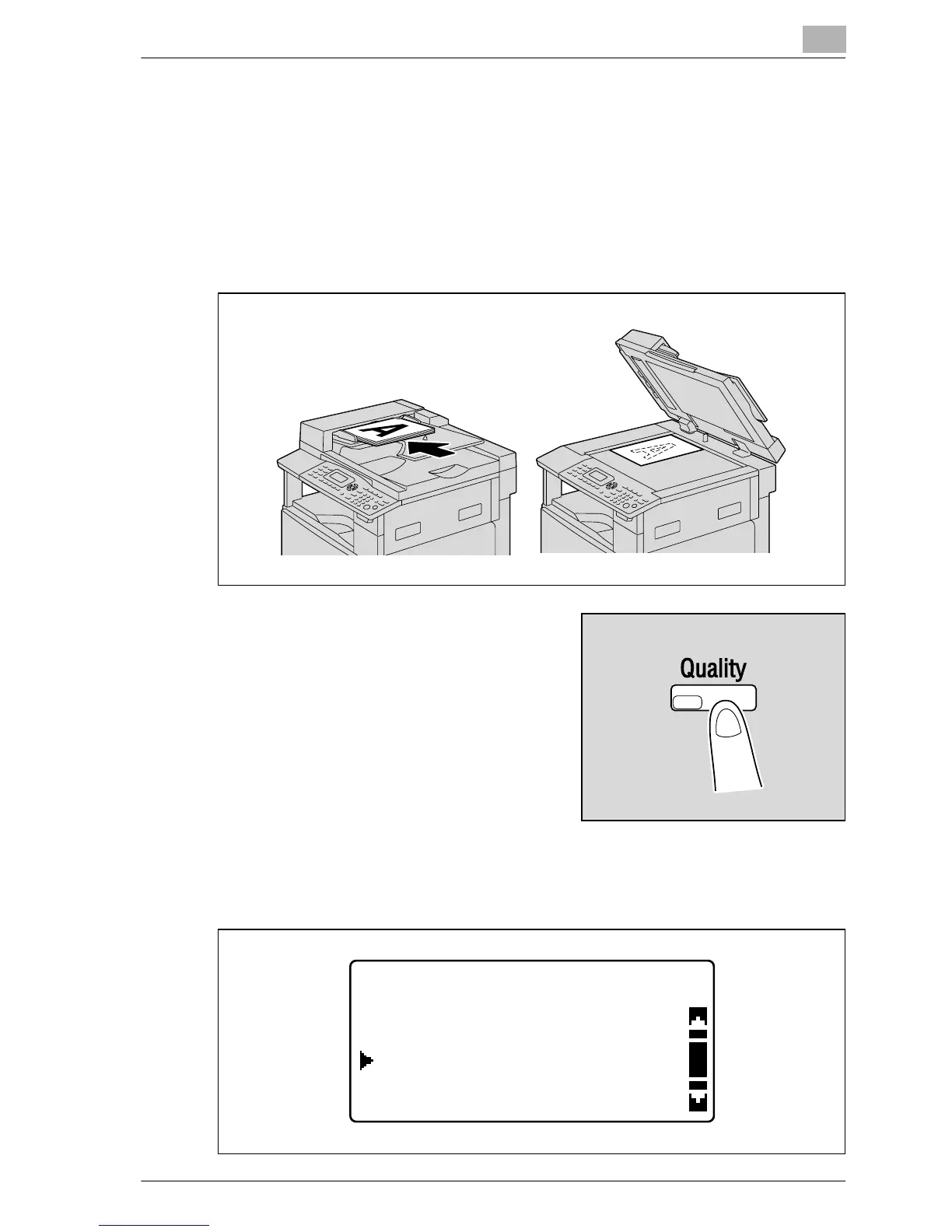
1 Position the document to be copied.
– Refer to "Loading the document" on page 4-18.
2 Press the [Quality] key.
3 Press the [+] or [,] key until "TEXT/PHOTO", "TEXT" or "PHOTO" is
selected, and then press the [OK] key.
QUALITY(ORIGINAL)
TEXT
TEXT/PHOTO
PHOTO










 To Next Page