When a message appears
8
ineo 163/213 8-15
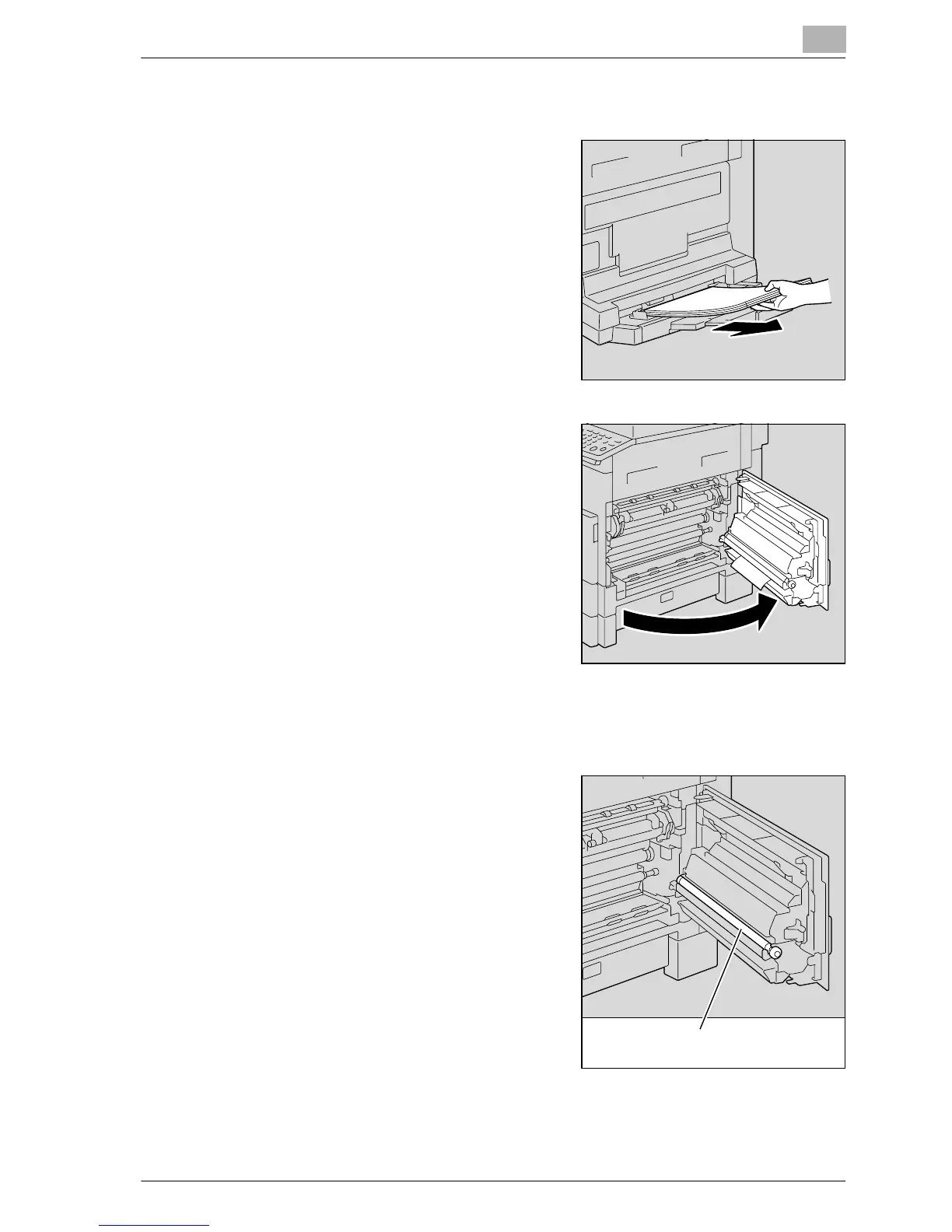
Clearing a paper misfeed in the multi bypass tray (optional)
1 Remove all paper from the multi
bypass tray.
2 Open the right-side door of the
machine.
– Decreased copy quality may
result if the surface of the image
transfer roller is touched.
Be careful not to touch the
surface of the image transfer
roller.
Image transfer roller










 To Next Page