2
Installation and operation precautions
2-4 ineo 163/213
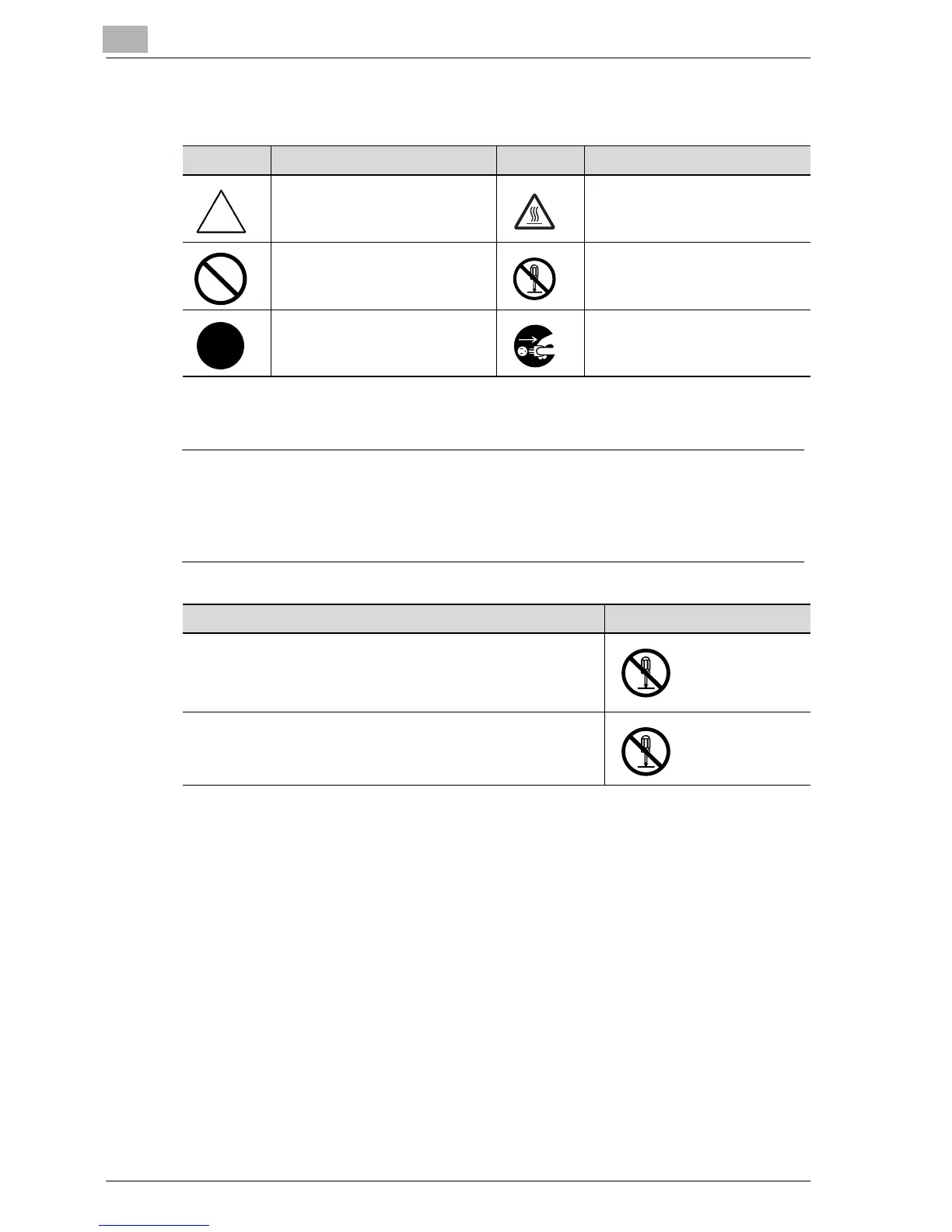
Meaning of symbols
Disassemble and modification
7 WARNING
Ignoring this warnings could cause serious injury or even death.
% Do not ignore this safety advices.
Symbol Meaning Example Meaning
A triangle indicates a danger
against which you should take
precaution.
This symbol warns against pos-
sible causes of burns.
A diagonal line indicates a pro-
hibited course of action.
This symbol warns against dis-
mantling the device.
A black circle indicates an im-
perative course of action.
This symbol indicates you must
unplug the device.
Warning Symbol
• Do not attempt to remove the covers and panels which have
been fixed to the product. Some products have a high-volt-
age part or a laser beam source inside that could cause an
electrical shock or blindness.
• Do not modify this product, as a fire, electrical shock, or
breakdown could result. If the product employs a laser, the
laser beam source could cause blindness.










 To Next Page