8
When a message appears
8-4 ineo 163/213
Replacing the toner bottle
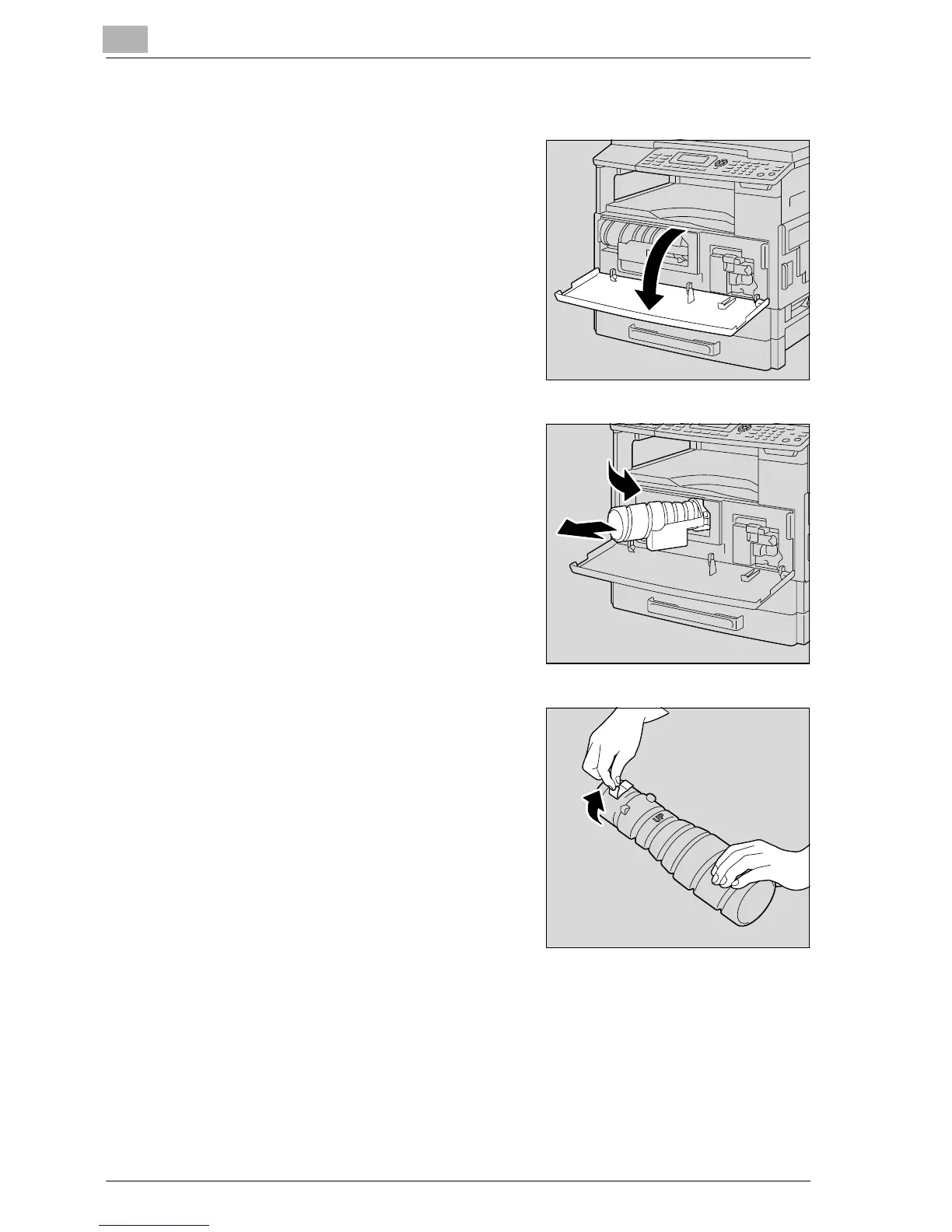
1 Open the front door.
2 Open the toner bottle holder toward
you, and then pull out the toner
bottle.
3 While holding the sealed end of the
new toner bottle up, slowly peel off
the seal toward you.
– Since some toner may spurt out
while the seal is being peeled off,
be sure to peel off the seal slowly.










 To Next Page