Making copies
5
ineo 163/213 5-63
Making copies after specifying a copy density
2
Note
If "PHOTO" is selected as the image quality, "AUTO" cannot be selected.
1 Position the document to be copied.
– Refer to "Loading the document" on page 4-18.
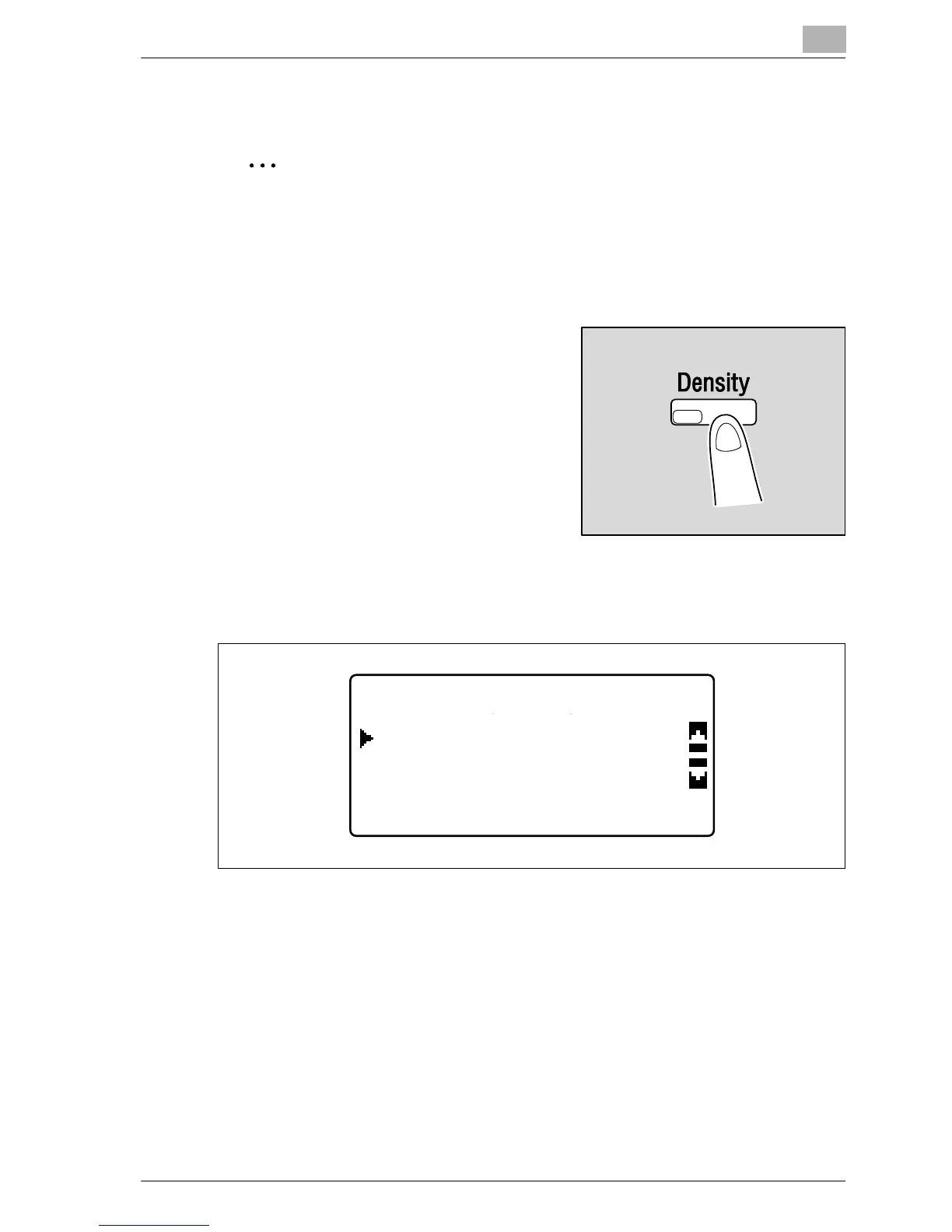
2 Press the [Density] key.
The DENSITY menu appears.
3 Press the [+] or [,] key until "AUTO" or "MANUAL" is selected.
– If "AUTO" was selected, press the [OK] key.
DENSITY(TEXT)
MANUAL
AUTO










 To Next Page