Precaution
3
ineo 163/213 3-19
3.4 Power supply
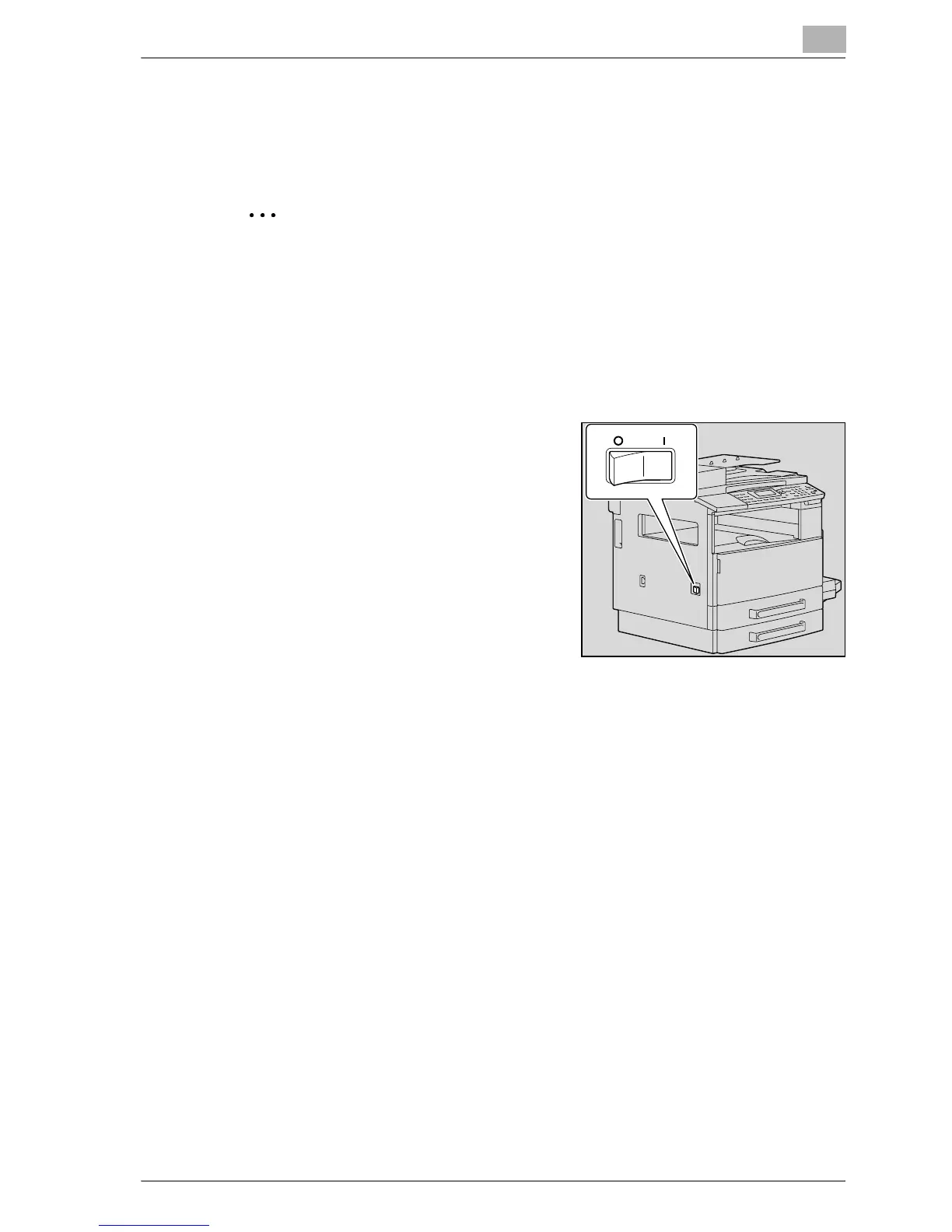
Turning on the machine
2
Note
The machine warms up as listed below (at normal room temperature (23
°C)).
ineo163: Within 30 seconds
ineo213: Within 15 seconds
A copy job can be queued while the machine is warming up. (Refer to
page 3-21)
% Set the power switch to [ n ].
The indicator on the [Start] key lights
up in orange and the message
"PLEASE WAIT!" appears in the
display.
Turning off the machine
1 Check that all jobs are finished.
2 Set the power switch to [o].










 To Next Page