Utility mode/Copy mode parameters
7
ineo 163/213 7-55
Displaying the "COPY SETTING 1" menu
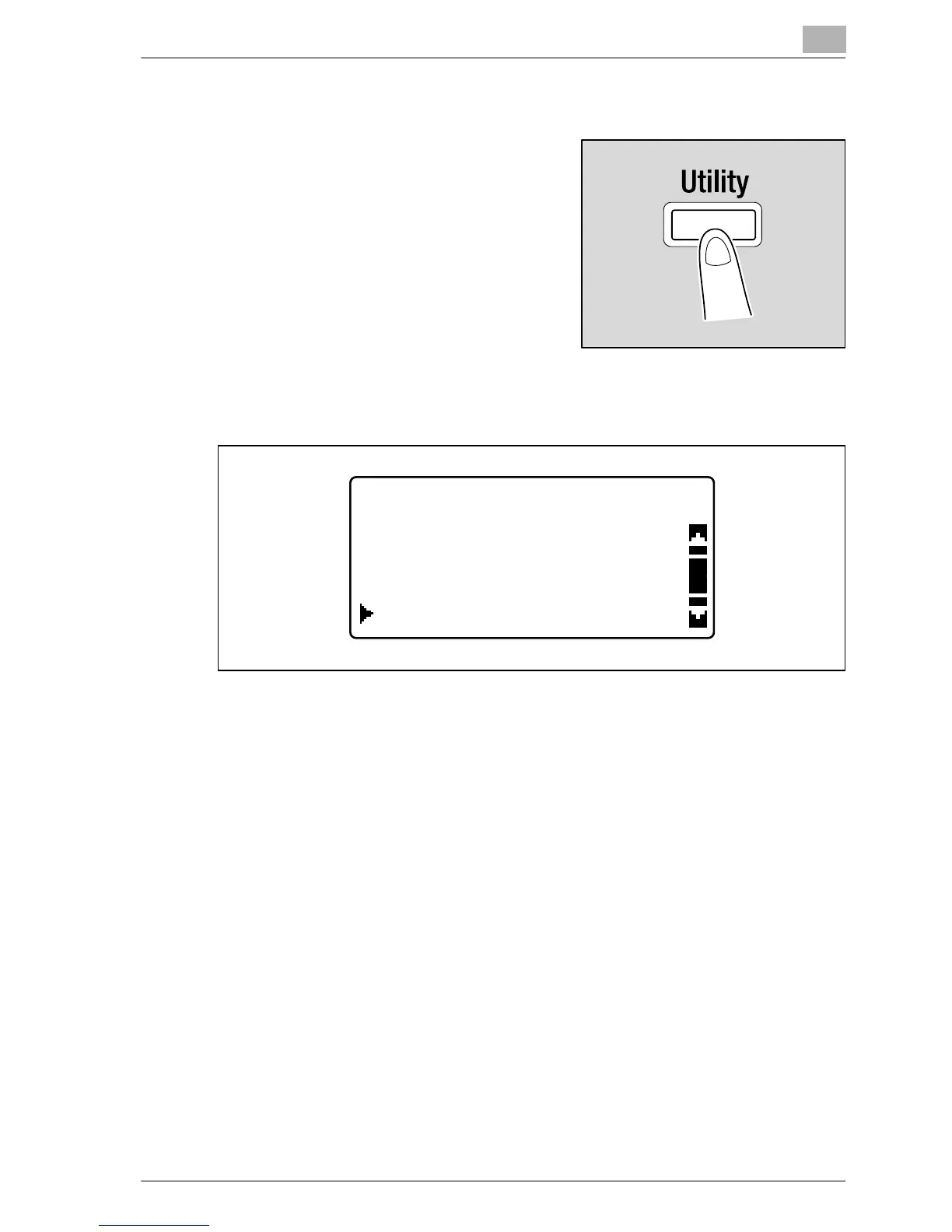
1 Press the [Utility] key.
The "UTILITY MODE" menu appears.
2 Press the [+] or [,] key until "COPY SETTING 1" is selected, and then
press the [OK] key.
The "COPY SETTING 1" menu appears.
3 Press the [+] or [,] key until the desired COPY SETTING 1 parameter
is selected, and then press the [OK] key.
– The following COPY SETTING 1 parameters are available.
PAPER PRIORITY
QUALITY PRIORITY
DENSITY PRIORITY
DENSITY LEVEL (A)
DENSITY LEVEL (M)
BINDING POSITION
MARGIN SETTING
ERASE SETTING
SMALL ORIGINAL
UTILITY MODE
ADMIN. MANAGEMENT
USER MANAGEMENT
COPY SETTING 1










 To Next Page