5
Making copies
5-28 ineo 163/213
Copying onto manually fed paper (manual bypass tray)
2
Reminder
When loading thick paper or postcards, be sure to flatten them if they are
curled.
1 Position the document to be copied.
– Refer to "Loading the document" on page 4-18.
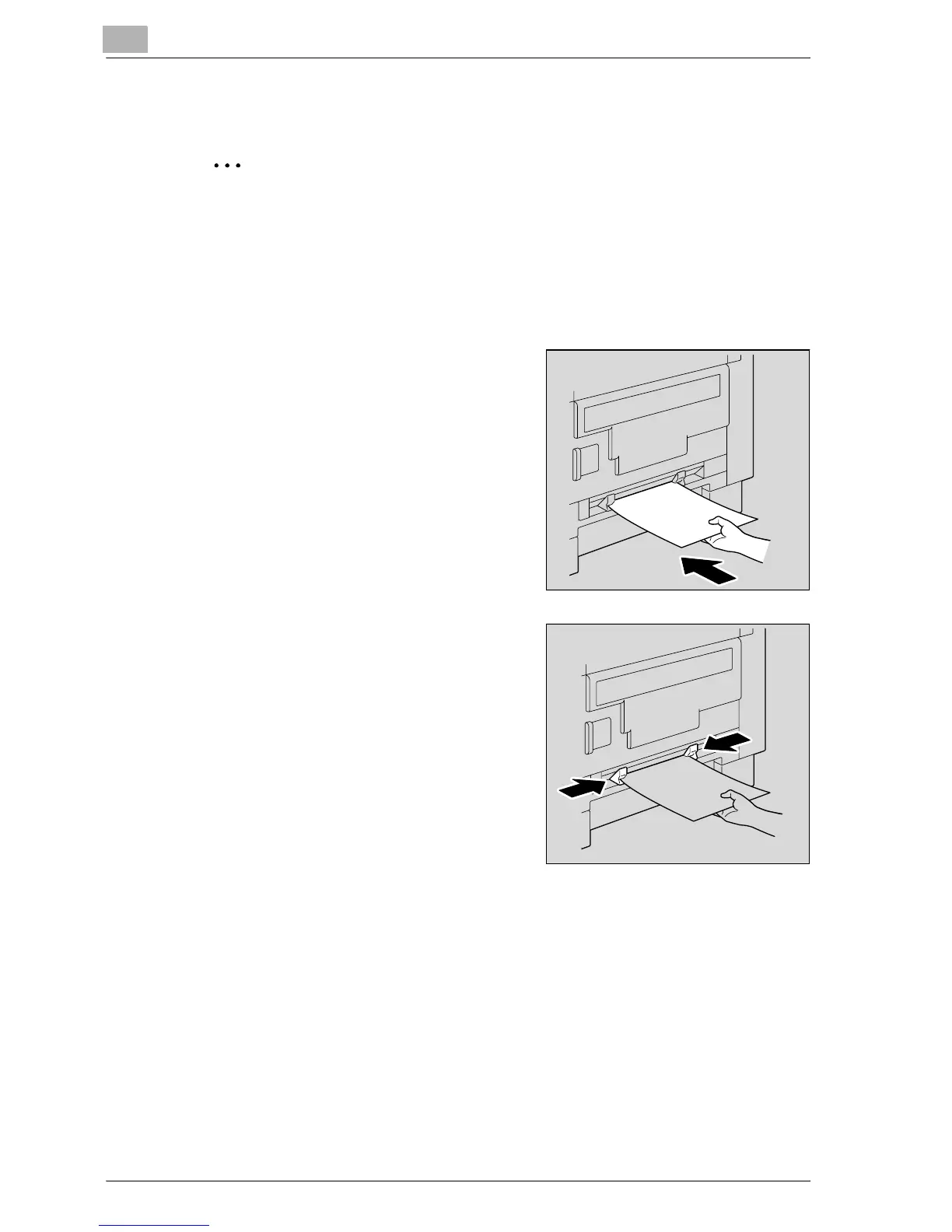
2 Insert one sheet of paper with the
side to be printed on facing down,
lightly sliding the paper as much as
possible into the feed slot.
The BYPASS PAPER SETTING menu
appears.
3 Slide the paper guides to fit the size
of paper being loaded.










 To Next Page